
|
Do it yourself
| |||
| ||||


How the Infotainment System Works in the Dacia Duster Hybrid Journey
Model: Dacia Duster
- Years:
2024, 2025, 2026
Video tutorial
The Duster Hybrid Journey 2024 features a 7-inch driver display and a 10.1-inch central touchscreen. The multimedia system is the Media Nav Live, standard on this trim, which adds connected navigation with automatic updates for 8 years. The driver display shows the odometer, fuel level, energy flow (EV symbol when in electric mode), and an Eco Monitor with green bands. Use the buttons on the steering wheel to switch screens: active ADAS, safe distance from the car ahead, battery energy, energy flows, trip averages, fuel consumption, and water temperature. You can also view the speed limit detected by the camera and navigation instructions. The touchscreen is divided into four customisable widgets. Pulling down the "curtain" toggles traction control, Wi-Fi, Bluetooth, and adjusts brightness. The home screen displays climate control, outside temperature, and time. In the music section, there are AM/FM/DAB radio, Bluetooth, USB (two Type-C ports), and audio settings (Bass, Acoustic, Talk, balance, equaliser). The phone connects via Bluetooth and wireless Android Auto: pairing takes seconds, then you can access Google Maps, WhatsApp, Spotify, and other apps directly on the screen, without a cable. Apple CarPlay is also available. The "Vehicle" section includes a 360 camera (front, rear, sides), electric flows, pedestrian warning sound, My Driving (driving score), driving assistance (My Safety), tyre pressure, and Here navigation with updated maps. Physical controls below the screen manage climate, recirculation, demisting, and hazard lights. The steering wheel satellites complete the controls.
Posted on 21 October 2026 by ScegliAuto
Related tutorials
Dacia Duster
(2024-2026 /
P1310)
In order to reset the infotainment system of the Dacia Duster, you need to turn on the instrument panel by inserting the ignition key into the corres…
Dacia Duster
(2010-2017 /
MK 1, HS)
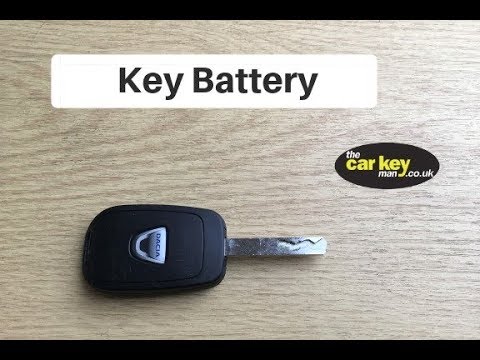
Is the battery in your Dacia Duster key damaged? Here’s how to change it from the remote. Take your remote and, using a screwdriver, separate the key…
Dacia Duster
(2017-2024 /
MK 2, HM)
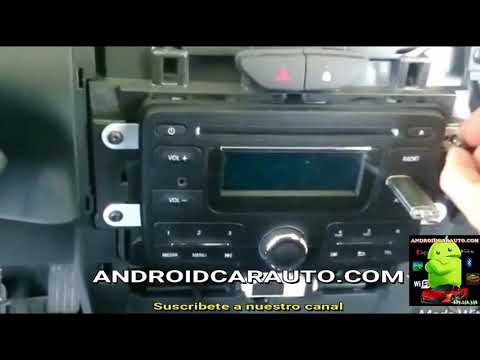
To replace the radio in a Dacia Duster, here’s how to do it. Remove the stereo trim frame using a plastic lever (where the air vents are located) and…
Other guides you may be interested in
|
Frequently Asked QuestionsHow to Open the Bonnet of the Toyota C-HR?
In this tutorial, you will learn how to open the bonnet of the Toyota C-HR, a very simple operation that follows the typical procedure for most vehicles. First, unlock the catches using the remote button, then open the driver's door, locate the lever in the lower left area of the dashboard, and pull it. Next, move to the front of the vehicle, locate the second lever, push it to the left, and simultaneously lift the bonnet. To close it, simply let it drop gently. by ScegliAuto More videos
|
|
For advertising on this site Write to info@scegliauto.com
ScegliAuto is not responsible for any inaccuracy of the data in the lists. To report any inaccuracy or your business (if you own the business in question), please write to info@scegliauto.com
Number of seconds to generate the page: 0.056
(c) ScegliAuto 2026 - info@scegliauto.com - Privacy policy VAT number: IT01247470535 |
