
|
Do it yourself
| |||
| ||||


How to Reset the Service Light in the 2012 Dacia Sandero Stepway?
Model: Dacia Sandero
B8
- Years 2012-2020
Let's see how to reset the service light on the 2012 Dacia Sandero. Close all doors and turn on the instrument cluster. Press the system menu selection button repeatedly until the trip odometer appears on the display, identified by the "trip" label. To reset, press and hold the phone call acceptance button and, in less than a second, also press the "ok" button and hold it for at least five seconds. Use the forward arrow button to navigate to "Assyst Plus" and then to "Full Service" and confirm by pressing "ok". Press "ok" and "back" until you exit the menu, turn off the instrument cluster and turn it back on to verify that the reset was successful.
Updated on 17 May 2026 by ScegliAuto
Video tutorial
Related tutorials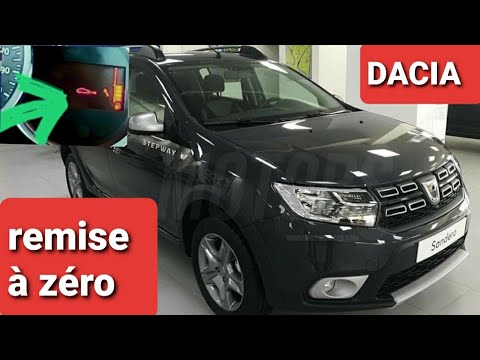
Dacia Sandero
(2012-2020 /
B8)
Before you begin, sit in the driver's seat of your Dacia Sandero Stepway. Start by repeatedly pressing the button located at the end of the right ind…
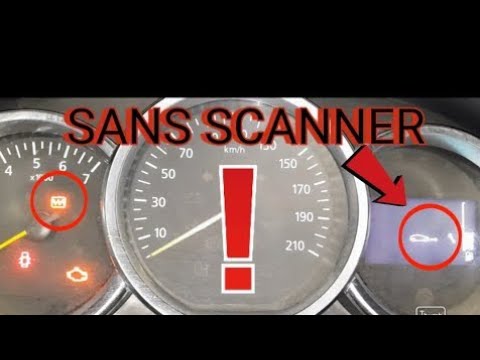
Dacia Sandero
(2012-2020 /
B8)
This video guide explains how to reset the service light on the Dacia Sandero Stepway. First, remember to turn on the instrument cluster. Then, follo…

Dacia Sandero
(2012-2020 /
B8)
To reset the Service light of the Dacia Sandero Stepway, you will need to turn on the instrument panel by inserting and turning the ignition key into…
Other guides you may be interested in
|
Frequently Asked QuestionsHow to Replace the Cabin Filter on the Opel Grandland X
If you own an Opel Grandland X and want to know the steps to replace the cabin air filter, carefully read the following guide and follow the described steps. First, enter the vehicle and go to the passenger side. Then, locate the box containing the air filter in the lower side area of the dashboard. Remove the cover of the box and finally replace the old filter with the new one. Refit the cover, and you are done. by ScegliAuto More videos
|
|
For advertising on this site Write to info@scegliauto.com
ScegliAuto is not responsible for any inaccuracy of the data in the lists. To report any inaccuracy or your business (if you own the business in question), please write to info@scegliauto.com
Number of seconds to generate the page: 0.532
(c) ScegliAuto 2026 - info@scegliauto.com - Privacy policy VAT number: IT01247470535 |
