
|
Do it yourself
| |||
| ||||


How to reset the service light in Dacia Duster
Model: Dacia Duster
MK 2, HM
- Years 2017-2024
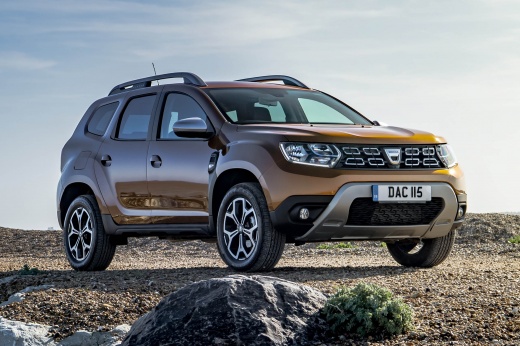
In today's video we see how to reset the service light in the second generation Dacia Duster. First we turn on the ignition of the car. Go inside the selection menu, scrolling through the vehicle settings with the appropriate arrows located on the right spoke of the steering wheel. Once this is done, we confirm and wait a few seconds; at this point the operation is completed. You will see the new parameter, i.e. 12 months or 20,000 kilometres. We remind you to carry out the maintenance indicated in the on-board user manual, according to the schedule set by the parent company.
Posted on 8 February 2023 by ScegliAuto
Video tutorial
Related tutorials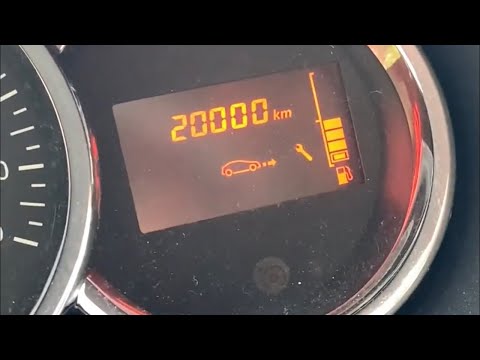
Dacia Duster
(2010-2017 /
HS, MK 1)
Before we can start, we will have to go and sit in the driver's seat of our Dacia Duster. Let's start by activating the instrument panel, simply by t…
Dacia Duster
(2010-2017 /
HS, MK 1)
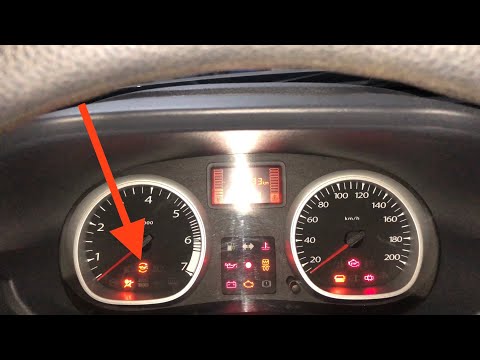
In this short and simple guide we will find out how to reset or reset the service light of the routine maintenance of the engine oil change on the Da…
Dacia Duster
(2017-2024 /
MK 2, HM)
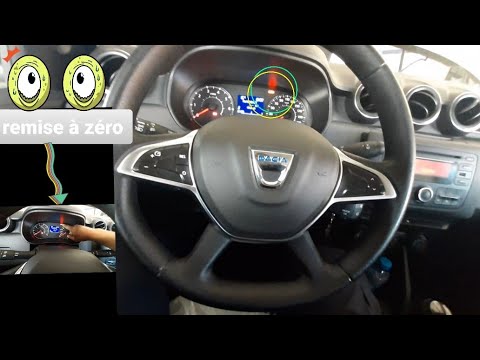
Today we will see the steps that will allow us to reset the service light of the routine maintenance of the oil change of the Dacia Duster. First of …
Other guides you may be interested in
|
How to Open the Door of a Golf 7 with a Flat Key Battery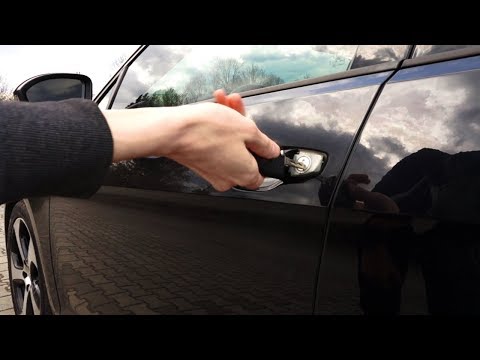
Is the remote key battery of the Golf flat and you don’t know how to open the car? Here’s what to do. Take your remote and press the button to release the metal key. Once extracted, use the key to pry into the space of the handle until the piece detaches. Insert the key into the lock and open the car door. To close the lock: take the cap and press down on the handle until you hear the locking click. Open the remote key and replace the battery. by ScegliAuto More videos
|
|
For advertising on this site Write to info@scegliauto.com
ScegliAuto is not responsible for any inaccuracy of the data in the lists. To report any inaccuracy or your business (if you own the business in question), please write to info@scegliauto.com
Number of seconds to generate the page: 0.054
(c) ScegliAuto 2026 - info@scegliauto.com - Privacy policy VAT number: IT01247470535 |
