
|
Do it yourself
| |||
| ||||


How to Change the Media-Nav Design on Dacia Vehicles
Model: Dacia Dacia Various
Video tutorial
In this video, learn how to change the appearance of the Media-Nav on Dacia vehicles in general: you will need a USB stick, on which you must create an empty folder. Name the USB client and insert it into the USB port of the screen. From the screen itself, access the system settings until you reach the system version page. Click on the text following the pattern suggested in the video to enter test mode. The password depends on the software version, and you can see it displayed in the video. Confirm it and then delete it. Enter the second password to access the first hidden menu. Click on "mecom". Be very careful, as clicking on these buttons could damage the system. Click on COL and set it to "Renault", perform a full reset and wait for the system to restart. When you enter the menu, it will have the Renault background.
Updated on 27 July 2026 by ScegliAuto
Related tutorials
Dacia Dacia Various
First, look at the back of your key and locate the small screw you need to unscrew. Then, use a small flat screwdriver to pry open the seam at the co…

Dacia Dacia Various
The steps to reset the TPMS light for tyre pressure on Dacia vehicles are the same whether it is a Dacia Logan or a Dacia Jogger. The first step is t…
Dacia Dacia Various
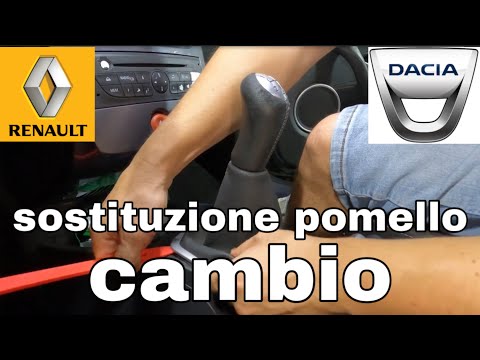
Begin the replacement of the gear knob by lifting the plastic trim surrounding the lever. Use a plastic tool to disengage the clips; avoid metal tool…
Other guides you may be interested in |
How to Reset the Tyre Pressure Warning Light on a Kia Rio?
The tyre pressure warning light displayed on the instrument cluster of the Kia Rio can be reset by inflating the tyres until they reach the recommended pressure value: this value is indicated on the sticker affixed to the driver's door pillar. Once all tyres have been inflated to the recommended pressure, turn on the ignition to check that the light has disappeared: if it is still present, it may be necessary to drive for a few miles, allowing the sensors to work and thus turning off the light. by ScegliAuto More videos
|
|
For advertising on this site Write to info@scegliauto.com
ScegliAuto is not responsible for any inaccuracy of the data in the lists. To report any inaccuracy or your business (if you own the business in question), please write to info@scegliauto.com
Number of seconds to generate the page: 0.010
(c) ScegliAuto 2026 - info@scegliauto.com - Privacy policy VAT number: IT01247470535 |
