
|
Do it yourself
| |||
| ||||


How to Remove the Radio from a Daihatsu Terios
Model: Daihatsu Terios
J100, MK 1, F500
- Years 1997-2005
How do you remove the radio from a Daihatsu Terios? Let's look at removing the central plastic trims from the dashboard. Use a plastic lever to detach the radio cover from the central dashboard (where the air vents are located). Once the cover is completely removed, use a screwdriver to unscrew the securing screws on either side of the radio. Pull out the radio and disconnect the power and antenna connectors. To reassemble, reverse the disassembly steps. After installing the new radio, test all functions.
Updated on 10 April 2026 by ScegliAuto
Video tutorial
Related tutorials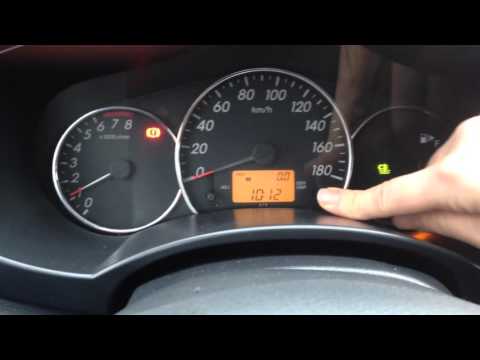
Daihatsu Terios
(1997-2005 /
J100, MK 1, F500)
Before you begin, sit in the driver's seat of your Daihatsu Terios. Start by activating the instrument cluster by turning the key in the ignition bar…
Daihatsu Terios
(2006-2017 /
J200, MK 2, F700)
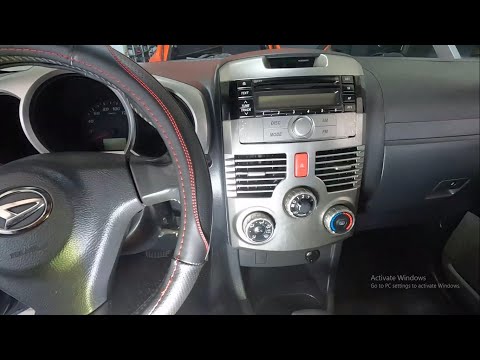
Removing the car radio in the Daihatsu Terios is an extremely simple and quick operation; let’s see how to proceed in this tutorial. Before doing so,…

Daihatsu Terios
(2006-2017 /
J200, MK 2, F700)
Today's instructions will show us the main steps on how to disassemble and replace the entire dashboard of the Daihatsu Terios. First, we get into th…
Other guides you may be interested in
|
How to Open a Stuck Boot on the Peugeot 407?
On the Peugeot 407, the boot may become stuck, possibly due to a problem with the control button or the lock actuator. In such cases, you can perform an emergency opening by following the simple procedure shown in this tutorial. First, open the rear doors, then lower the seat back by operating the release lever. Next, go inside the boot, locate the lock, and manually operate it using a flathead screwdriver. The boot will then be free to open. by ScegliAuto More videos
|
|
For advertising on this site Write to info@scegliauto.com
ScegliAuto is not responsible for any inaccuracy of the data in the lists. To report any inaccuracy or your business (if you own the business in question), please write to info@scegliauto.com
Number of seconds to generate the page: 0.127
(c) ScegliAuto 2026 - info@scegliauto.com - Privacy policy VAT number: IT01247470535 |
