
|
Do it yourself
| |||
| ||||



How to Reset the Datsun Mi Do Instrument Cluster
Model: Datsun Mi Do
MK 1
- Years:
2015, 2016, 2017, 2018, 2019, 2020
Video tutorial
In this video, you will learn how to reset the instrument cluster of the Datsun Mi Do. Follow the steps shown in the video carefully. First, turn on the instrument cluster and locate the item you want to reset in the center of the display. Using the knob located at the center of the instrument cluster, find the item of interest. Once located, start pressing the button at the end of the windshield wiper lever. With small presses, advance until the item appears on the display, then hold the button until the item starts to blink, completing the reset.
Updated on 20 July 2026 by ScegliAuto
Related tutorials
Datsun Mi Do
(2015-2020 /
MK 1)
In this video, you will learn how to equip the trunk of the Datsun Mi Do for traveling. No car has been as versatile as this model for traveling on d…
Datsun Mi Do
(2015-2020 /
MK 1)
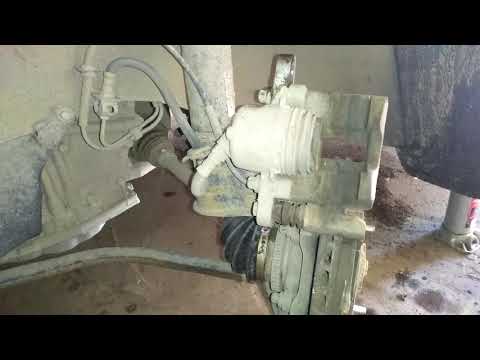
To replace the front brake pads of the Datsun Mi Do, lift the car with a jack so that the front wheel corresponding to the pads to be replaced is off…
Datsun Mi Do
(2015-2020 /
MK 1)
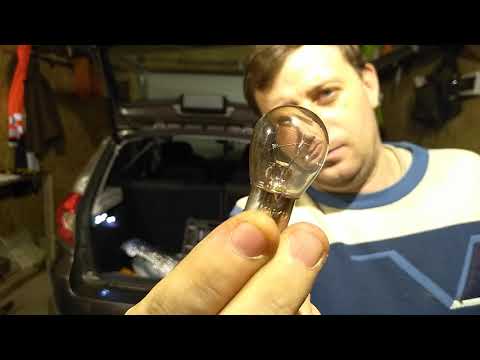
In this tutorial, you will see how to replace the bulbs of the rear headlight in the Datsun mi-DO, a very simple and quick operation. Start by ensuri…
Other guides you may be interested in
|
How to Set the Time on an Audi A6
Briefly, we will see the instructions to set the time on the Audi A6 by following these simple steps. First, get inside the vehicle and turn on the instrument cluster; then press the settings button and navigate to the time option to confirm your choice, as shown in the video. At this point, set the correct time and format, then exit the settings menu to save the changes made; finally, start the engine and ensure that the time has been set correctly! by ScegliAuto More videos
|
|
For advertising on this site Write to info@scegliauto.com
ScegliAuto is not responsible for any inaccuracy of the data in the lists. To report any inaccuracy or your business (if you own the business in question), please write to info@scegliauto.com
Number of seconds to generate the page: 0.021
(c) ScegliAuto 2026 - info@scegliauto.com - Privacy policy VAT number: IT01247470535 |
