
|
Do it yourself
| |||
| ||||


How to replace the external temperature sensor in the Dodge Journey?
Model: Dodge Journey
MK 1
- Years 2008-2020
In this tutorial we can see how to replace the external temperature sensor in the Dodge Journey, an extremely simple and quick operation. First of all, we open the hood, then we release all the plastic rivets indicated using a screwdriver with a flat tip. We then separate the upper grille from the bumper, locate the sensor in question and extract it from the housing by pulling it outwards. At this point, all that remains is to disconnect the power connector, connect the replacement and reassemble everything simply by following the reverse procedure.
Posted on 4 September 2024 by ScegliAuto
Video tutorial
Related tutorials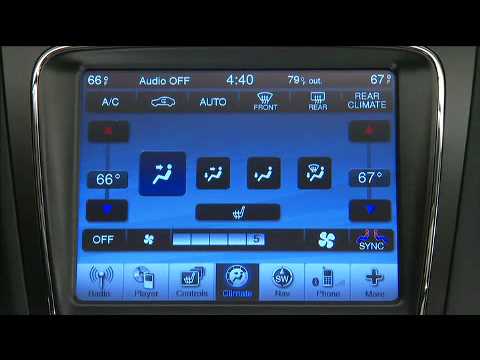
Dodge Journey
(2008-2020 /
MK 1)
In this video, we see how to use the commands of the automatic air conditioning system on the Dodge Journey: the system automatically adjusts the tem…
Dodge Journey
(2008-2020 /
MK 1)
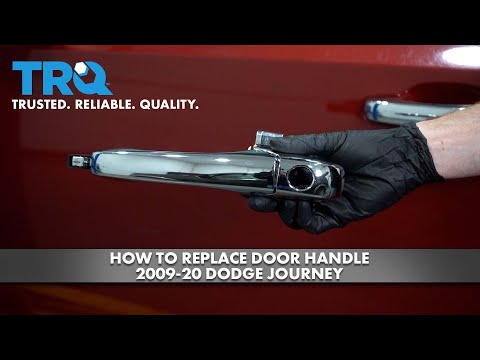
Let's briefly see the instructions that will allow us to disassemble and replace the external handle of the front door of the Dodge Journey. First, w…

Dodge Journey
(2008-2020 /
MK 1)
If you are looking for the box containing all the fuses for your Dodge Journey, you just need to follow all the steps described in the following guid…
Other guides you may be interested in
|
How to Remove the Headlight Bulb on a Honda Civic
Are the front headlight bulbs on your Honda Civic faulty? Follow this instructional video for the disassembly process. Open the bonnet of the engine compartment, remove the inspection caps from the headlights using a screwdriver, detach the bulb holders from the headlight, and disconnect the respective power connectors. Replace the damaged bulbs with new ones of the same size and voltage. After replacing the bulbs, reinstall the bulb holder in the headlight housing. Finally, close the rear of the headlights with the inspection caps. Test the lights to ensure they are functioning correctly. by ScegliAuto More videos
|

|
For advertising on this site Write to info@scegliauto.com
ScegliAuto is not responsible for any inaccuracy of the data in the lists. To report any inaccuracy or your business (if you own the business in question), please write to info@scegliauto.com
Number of seconds to generate the page: 0.046
(c) ScegliAuto 2026 - info@scegliauto.com - Privacy policy VAT number: IT01247470535 |
