
|
Do it yourself
| |||
| ||||


How do i reset the uConnect system on the Dodge Grand Caravan?
Model: Dodge Dodge Various
In order to reset the uConnect system of the Dodge Grand Caravan you have to press and hold the handset button located at the top left of the car radio display. By holding it down for a few seconds, the screen will be redirected to the uConnect system which will immediately delete all associated devices. Once these have been removed, you can turn off the radio and wait a few seconds. In this way the radio can be switched on again, noting that the uConnect system has been correctly reset to its original settings.
Posted on 5 October 2022 by ScegliAuto
Video tutorial
Related tutorials
Dodge Dodge Various
In order to reset the uConnect system on the Dodge Durango you need to insert the key to turn on the instrument panel and hold down the buttons to lo…
Dodge Dodge Various
In order to reset the uConnect system of the Dodge Canavan you need to turn on the instrument panel by turning the appropriate key, making sure that …

Dodge Dodge Various
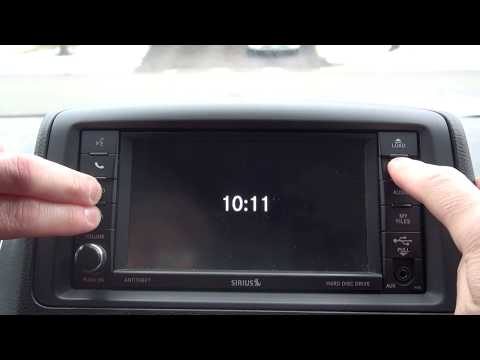
If you want to manually change the displayed time on your Dodge Grand Caravan, you need to follow these simple steps. First, enter the cabin and star…
Other guides you may be interested in
|
How to Remove the Bonnet on a Smart Fortwo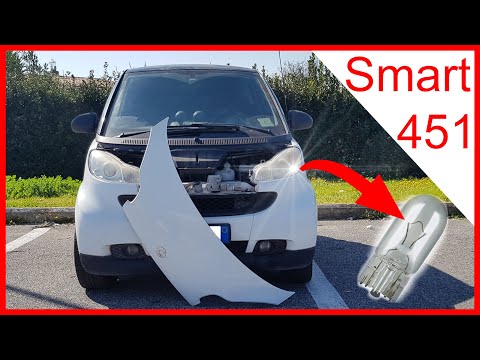
To open the front bumper of the Smart Fortwo for bulb maintenance, follow these steps: open the plastic levers located at the sides of the front grille with your hands. Once the front plastic is free, lift it upwards with your hands, then remove it from the bodywork as shown in the video. After removing the mentioned piece, replace the damaged bulbs. To reassemble, secure the plastic cover at the front of the car and then at the bottom. Finally, close the bonnet release levers with your hands. by ScegliAuto More videos
|
|
For advertising on this site Write to info@scegliauto.com
ScegliAuto is not responsible for any inaccuracy of the data in the lists. To report any inaccuracy or your business (if you own the business in question), please write to info@scegliauto.com
Number of seconds to generate the page: 0.046
(c) ScegliAuto 2026 - info@scegliauto.com - Privacy policy VAT number: IT01247470535 |
