
|
Do it yourself
| |||
| ||||


Reset the On-Board Computer of Your Car
Model: Dodge Charger
LX
- Years:
2006, 2007, 2008, 2009, 2010, 2011
Video tutorial
The on-board computer of your car indicates everything necessary for optimal vehicle performance: when to change the brakes, when to add oil, perform a service, etc. It is an extremely precise and effective tool, and each time one of the above operations is performed, it must be reset by replacing the sensors so that it can inform you when it is time to proceed with any further maintenance tasks. In automotive workshops, mechanics have diagnostic tools that allow them to reset the computer and check if something is not functioning properly. If you want to proceed with a DIY approach, turn on the ignition, press the trip reset button, and using the high beam lever, select the function to reset by pressing the button on the lights until the word 'reset' appears.
Updated on 21 February 2026 by ScegliAuto
Related tutorials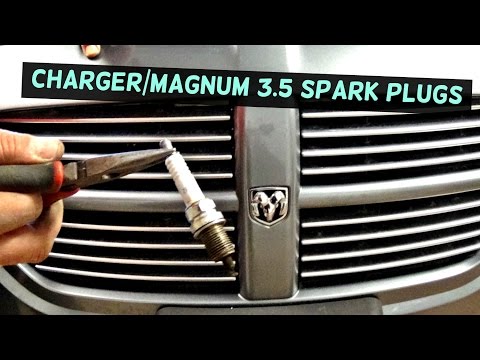
Dodge Charger
(2006-2011 /
LX)
Using old and worn spark plugs can cause significant damage to the engine, reduce performance, and lead to excessive fuel consumption. It is advisabl…

Dodge Charger
(2006-2011 /
LX)
Replacing the wiper blades is one of those tasks you can do on your own car as a DIY project, allowing you to gain some personal satisfaction and sav…

Dodge Charger
(2011-2023 /
LD)
If you own a Dodge Charger and are wondering what steps you need to take to properly and safely replace the cabin air filter, then all you have to do…
Other guides you may be interested in |
How to Open the Fuel Flap on a Volkswagen Tiguan?
To open the fuel flap on a Volkswagen Tiguan, first unlock the car using the appropriate button on the remote. This will open the car and unlock the mechanism that controls the fuel flap. At this point, apply light pressure to the left side of the flap to open it and access the cap underneath. Once this is unscrewed, you can refuel and then close everything. by ScegliAuto More videos
|
|
For advertising on this site Write to info@scegliauto.com
ScegliAuto is not responsible for any inaccuracy of the data in the lists. To report any inaccuracy or your business (if you own the business in question), please write to info@scegliauto.com
Number of seconds to generate the page: 0.011
(c) ScegliAuto 2026 - info@scegliauto.com - Privacy policy VAT number: IT01247470535 |
