
|
Do it yourself
| |||
| ||||


How to change the time on the Dodge Grand Caravan.
Model: Dodge Dodge Various
If you want to manually change the displayed time on your Dodge Grand Caravan, you need to follow these simple steps. First, enter the cabin and start the instrument panel, then turn on the radio and hold down the "Time" button for a few seconds. Release the button as soon as the radio display starts flashing and rotate the right knob to change the hour figure. Immediately after, press the knob to switch to minutes and repeat the same operation. Finally, press the knob one last time to save the changes.
Posted on 13 December 2023 by ScegliAuto
Video tutorial
Related tutorials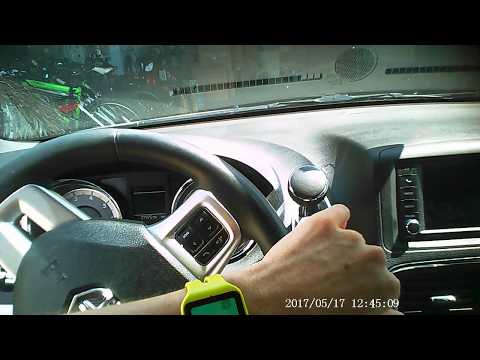
Dodge Dodge Various
In order to reset the uConnect system of the Dodge Grand Caravan you have to press and hold the handset button located at the top left of the car rad…

Dodge Dodge Various
In this video we see the localization and diagram of the fuses of the second version of the Dodge Grand Caravan: this vehicle, unlike most modern car…

Dodge Dodge Various
If the orange engine oil light on your Dodge Caravan's instrument panel continues to illuminate and you want to learn how to manually reset the light…
Other guides you may be interested in
|
How to Reset Service Light on Fiat 500L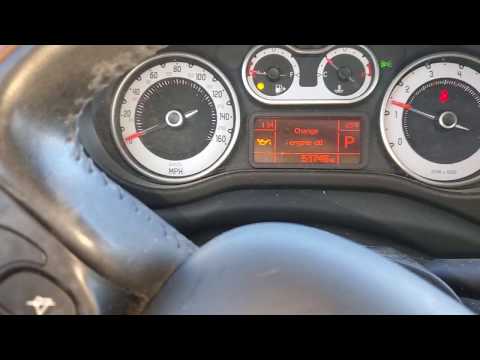
How to remove the service light on a Fiat 500L? Let's see how to do it. Enter the vehicle and turn on the instrument panel. Press the accelerator pedal six times in a row, then release the pedal. Turn off the instrument panel and remove the key from the ignition. Reinsert the key and turn on the instrument panel, then wait for it to illuminate. Check the changes made to the car and see if the light has disappeared. Always remember to carry out onboard computer modifications with the engine off. Perform the reset safely. by ScegliAuto More videos
|
|
For advertising on this site Write to info@scegliauto.com
ScegliAuto is not responsible for any inaccuracy of the data in the lists. To report any inaccuracy or your business (if you own the business in question), please write to info@scegliauto.com
Number of seconds to generate the page: 0.044
(c) ScegliAuto 2026 - info@scegliauto.com - Privacy policy VAT number: IT01247470535 |
