
|
Do it yourself
| |||
| ||||


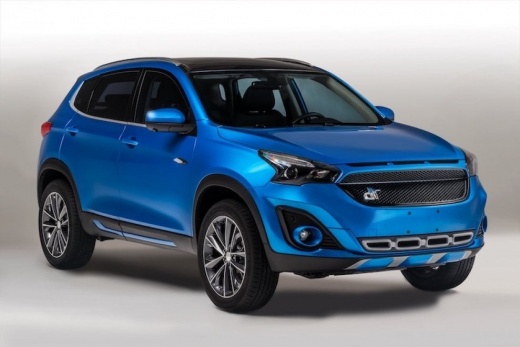
How to connect the smartphone to the Bluetooth of the DR F 35
Model: DR F35
MK 1
- Years 2020-2026
Connecting your smartphone device to the Bluetooth of the DR F35 car has never been so simple and fast thanks to our short video tutorial. From the car's onboard computer, we select the video call icon and from the menu we select the add device option. We activate the Bluetooth of our phone and select the "connect media" option from the vehicle's onboard computer. We enter the password that will be displayed on our device to connect. By following this procedure, we can play our favorite music from the phone to the onboard computer, make a call using the contacts of the smartphone, and so on.
Posted on 27 October 2025 by ScegliAuto
Video tutorial
Related tutorials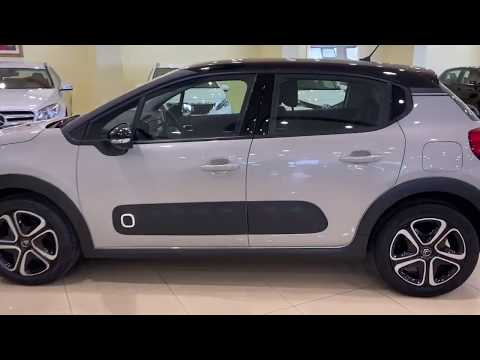
Citroen C3
(2016-2023 /
SY, SX)
Before starting, we will have to sit in the driver's seat of our Citroen C3. So let's start by activating the Bluetooth of our smartphone. Next, we w…

Hyundai Sonata
(2015-2019 /
LF)
Today's instructions will show us how to connect the smartphone to the multimedia system via Bluetooth in the Hyundai Sonata. First, we get on board …

IVECO S-Way
(2019-2026 /
MK 1)
Here’s how to connect a smartphone via Bluetooth to an Iveco S-way vehicle with dual digital displays: access the 'media' menu, then go to 'source' a…
Other guides you may be interested in
|
How to Replace the Diesel Filter on a Dacia Duster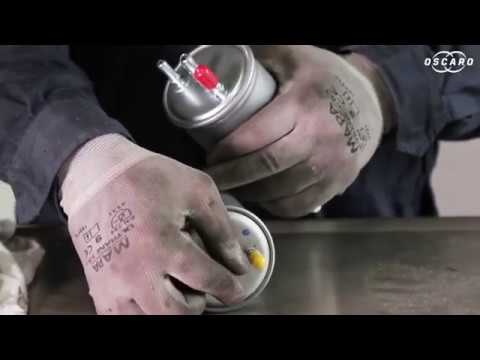
Let's see how to replace the diesel filter on a Dacia Duster. Start by removing the plastic cover at the bottom of the bumper with a suitable screwdriver (remove the circle), then reach the front headlamp located in the bumper (as shown in the video). After removing the container, take out the filter inside and fit a new one (same size). Refit the container and the plastic cover under the car's bumper with the attached clips. Test the proper functioning. Refit the front circle with the securing clips and lower the car. by ScegliAuto More videos
|
|
For advertising on this site Write to info@scegliauto.com
ScegliAuto is not responsible for any inaccuracy of the data in the lists. To report any inaccuracy or your business (if you own the business in question), please write to info@scegliauto.com
Number of seconds to generate the page: 0.051
(c) ScegliAuto 2026 - info@scegliauto.com - Privacy policy VAT number: IT01247470535 |
