
|
Do it yourself
| |||
| ||||


Model: Ducati 1260s
In this video, see how to reset the service light on the Ducati 1260s Multistrada using the OBD STAR diagnostic tool: this is a professional tool available at a great price on AliExpress with code 1005009513948151 for €1,336.99, with free shipping. A payment plan is available in 6 instalments of €222.83 with no interest: it comes complete with all accessories. The diagnostic socket on the bike is located under the seat, protected by a rubber flap; insert the connector into the socket and turn on the bike. From the device, navigate to "moto diag", select the "Ducati" software, and choose "diagnosis". Use the "auto identify" option and then select the model of the bike. Next, select "service lamp reset", enter the default password when prompted in the video (it was 123), select the "annual service" option, and confirm. The tool will display "procedure complete" and the light on the dashboard will turn off. Turn off the ignition, disconnect the tool, and replace the protective cover on the OBD socket.
Posted on 9 April 2026 by ScegliAuto
Video tutorial
Related tutorials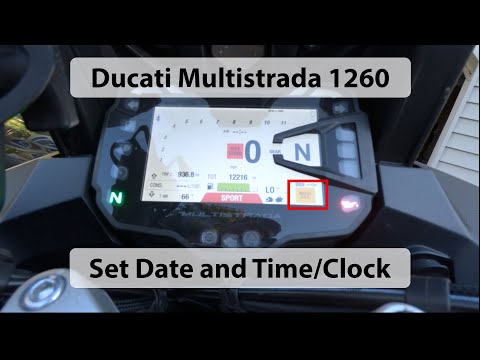
1260s
If the display on your Ducati Multistrada 1260 shows an incorrect time and you want to change it manually, follow these simple steps. First, turn on …

1260s
Start the motorcycle for a few minutes to warm up the engine and the oil. This will make the lubricant less viscous and facilitate its drainage. Unsc…
|
How to Replace the Front Brake Pads on the BMW R1150 RT?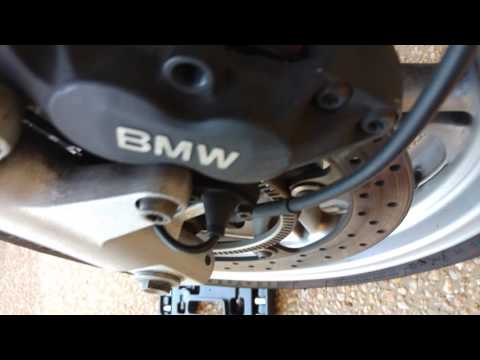
In this tutorial, you will see how to replace the front brake pads on the BMW R1150 RT, a very simple and quick operation. First, position yourself in front of the brake in question, then unscrew the central pin with a Torx spanner and remove the metal bracket. Next, compress the pistons using a flat-head screwdriver, remove the old pads, and clean any dirt residue inside the caliper. At this point, simply insert the replacement pads and reassemble everything by following the reverse procedure. by ScegliAuto More videos
|
|
For advertising on this site Write to info@scegliauto.com
ScegliAuto is not responsible for any inaccuracy of the data in the lists. To report any inaccuracy or your business (if you own the business in question), please write to info@scegliauto.com
Number of seconds to generate the page: 0.006
(c) ScegliAuto 2026 - info@scegliauto.com - Privacy policy VAT number: IT01247470535 |
