
|
Do it yourself
| |||
| ||||


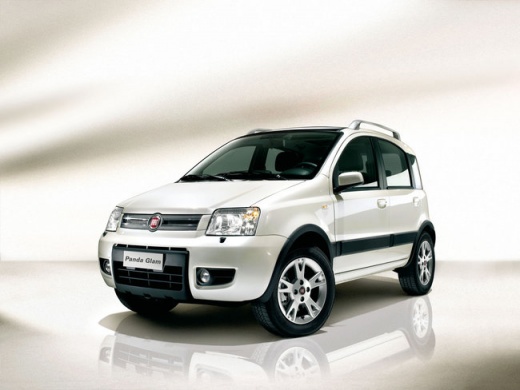
How to replace the third brake light bulb of the Fiat Panda
Model: Fiat Panda
169, MK 2
- Years:
2003, 2004, 2005, 2006, 2007, 2008, 2009, 2010, 2011, 2012
Video tutorial
To replace the third brake light of the Fiat Panda, start by opening the trunk; once the trunk is open, you will find a cover in the center of the glass, remove the screws holding this cover, disconnect the connector and place everything on a surface; now remove the other two screws holding the bulb clip to the cover; after removing the bulb clip, unhook the tabs holding the bulb set, locate the bulb to be replaced, grab it and remove it; once the bulb is removed, take the new one, place it in the old one's place and perform the disassembly procedure in reverse.
Posted on 18 December 2024 by ScegliAuto
Related tutorials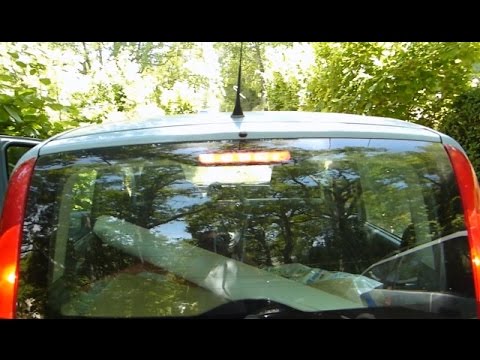
Fiat Panda
(2003-2012 /
169, MK 2)
Today, you will see the instructions that will allow you to remove and replace the third brake light, or replace the bulbs, on a Fiat Panda 169, seco…
Fiat Panda
(2003-2012 /
169, MK 2)
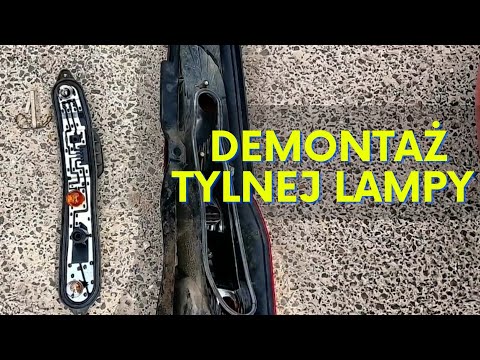
You can see in this video how to proceed with replacing the brake light bulb on a Fiat Panda, aided by the verbal commentary of the presenter. First,…

Fiat Panda
(2003-2012 /
169, MK 2)
Replacing the front headlamp bulb in your Fiat Panda is very simple. To complete the task, follow the procedure outlined in this guide. First, buy a …
Other guides you may be interested in |
What does error code 59 indicate on the Opel Meriva B?
Error code 59 appears on the display of the 2012 Opel Meriva B when it is necessary to open and close the driver's side window. To remove the code, simply open and close the window. This code is always followed by error code 60, which indicates the need to open and close the passenger side window. These error codes typically appear after maintenance has been performed on the battery. If the error message continues to display despite reprogramming the windows, visit a workshop as a computer diagnosis may be necessary. by ScegliAuto More videos
|
|
For advertising on this site Write to info@scegliauto.com
ScegliAuto is not responsible for any inaccuracy of the data in the lists. To report any inaccuracy or your business (if you own the business in question), please write to info@scegliauto.com
Number of seconds to generate the page: 0.052
(c) ScegliAuto 2026 - info@scegliauto.com - Privacy policy VAT number: IT01247470535 |
