
|
Do it yourself
| |||
| ||||


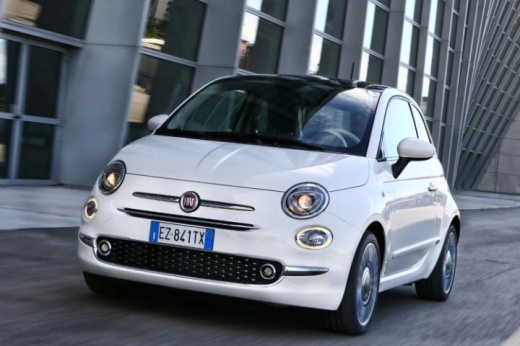
How to navigate through the multimedia screen of the Fiat 500x
Model: Fiat 500
500 X
- Years:
2014, 2015, 2016, 2017, 2018, 2019, 2020, 2021, 2022
Video tutorial
In this video, we see how to navigate on the speedometer display of the Fiat 500X: on the left side of the steering wheel, we find a keypad that allows us to move in four directions. We have different functions depending on the direction we move. If we press the up and down arrows, we will move between the categories "speedometer"; "vehicle information"; "navigation audio alerts" and "vehicle settings". If instead we use the right and left arrows, we will navigate through other options. Through the central "Ok" button, of course, we will always be able to confirm our choice, or reset the function.
Posted on 28 March 2025 by ScegliAuto
Related tutorials
Fiat 500
(2014-2022 /
500 X)
There are three ways to connect your smartphone to the Uconnect multimedia system in your Fiat 500X. The first method is via the USB port. With Andro…
Fiat 500
(2014-2022 /
500 X)
In this video, you will see how to connect Bluetooth on the Fiat 500X: first, remember to perform this operation when the vehicle is parked safely in…

Fiat 500
(2014-2022 /
500 X)
The Fiat 500x is a vehicle belonging to the SUV category, and for those who are not familiar with it, here is an attached video presentation. The clo…
Other guides you may be interested in
|
How to Activate the Automatic Folding and Unfolding of the Wing Mirrors on the Jeep Compass
Follow these brief instructions to activate the automatic folding and unfolding of the external wing mirrors on the Jeep Compass. First, get inside the vehicle and turn on the ignition; then press the button located beneath the mirror glass adjustment to electrically open the mirror, as shown in the video. Pressing the button in the opposite direction will close the mirrors; by holding the button, the mirrors will open and close automatically! by ScegliAuto More videos
|
|
For advertising on this site Write to info@scegliauto.com
ScegliAuto is not responsible for any inaccuracy of the data in the lists. To report any inaccuracy or your business (if you own the business in question), please write to info@scegliauto.com
Number of seconds to generate the page: 0.074
(c) ScegliAuto 2026 - info@scegliauto.com - Privacy policy VAT number: IT01247470535 |
