
|
Do it yourself
| |||
| ||||



How to Adjust the Handbrake on a Fiat Punto
Model: Fiat Punto
199, MK 3, Grandepunto , Punto EVO
- Years:
2005, 2006, 2007, 2008, 2009, 2010, 2011, 2012, 2013, 2014, 2015, 2016
Video tutorial
To adjust the handbrake on a Fiat Punto, park the car on a level surface and fully lower the lever. Move the front seats back and remove the plastic cover of the centre console around the handbrake lever to access the underlying mechanism. Locate the cable adjustment nut and use an appropriate spanner to gradually modify its tension. Tighten the adjuster to reduce the lever's travel, making small adjustments and operating the handbrake several times between each adjustment. Ensure the lever firmly holds the rear wheels without excessive travel. With the handbrake fully released, also check that the rear wheels can turn freely and that the cable is not overly tight. Once the adjustment is complete, properly refit the centre console cover.
Posted on 3 September 2026 by ScegliAuto
Related tutorials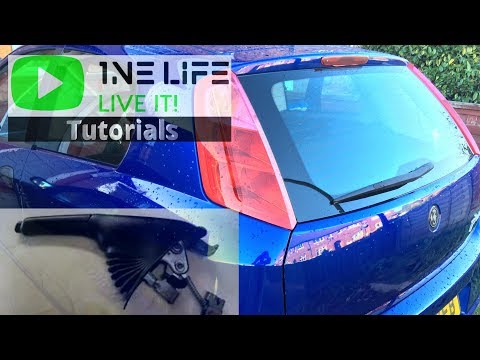
Fiat Punto
(2005-2018 /
199, MK 3, Grandepunto , Punto EVO)
To adjust the handbrake on your car, there are usually two bolts located behind it, hidden by a protective plastic cover, which you can use to set th…

Fiat Punto
(2005-2018 /
199, MK 3, Grandepunto , Punto EVO)
In this video tutorial, you will learn how to adjust the handbrake on a Fiat Grande Punto by following the instructions below. First, get in the vehi…
Fiat Punto
(1999-2011 /
MK 2, 188)
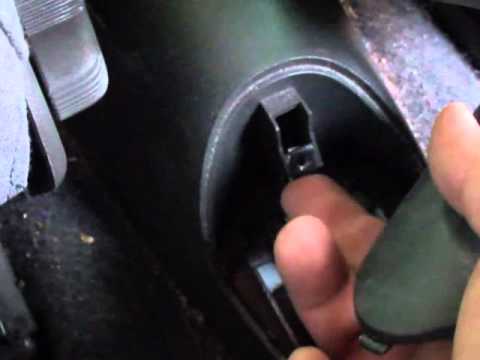
In this short guide, you will discover the procedure to adjust and fix the handbrake cable, allowing the lever to have the correct travel and secure …
Other guides you may be interested in
|
How to Set the Time in an Audi A4?
In this tutorial, you will see how to set the time in an Audi A4, a very simple and quick operation to perform after replacing the battery or when the time changes. First, insert the key and turn on the instrument cluster. Then, press the "SETUP" button located on the center console. Next, press the upper left arrow button, navigate to the "Time" option, and use the central knob to adjust the clock. Finally, set any necessary formats and save by returning to the main screen. by ScegliAuto More videos
|
|
For advertising on this site Write to info@scegliauto.com
ScegliAuto is not responsible for any inaccuracy of the data in the lists. To report any inaccuracy or your business (if you own the business in question), please write to info@scegliauto.com
Number of seconds to generate the page: 0.033
(c) ScegliAuto 2026 - info@scegliauto.com - Privacy policy VAT number: IT01247470535 |
