
|
Do it yourself
| |||
| ||||


How to Reset the Tyre Pressure Warning on a Fiat 500
Model: Fiat 500
312
- Years 2007-2024
In this video, learn how to reset the tyre pressure warning light on a Fiat 500. To reset the tyre pressure warning light: turn on the vehicle's instrument panel, press the button located above the instrument panel, then, once in the settings menu, scroll up/down with the button until you find the "Reset Tyres" option, select it with the set button to turn off the tyre pressure warning light, and exit the settings menu. Check the instrument panel by turning it off and on again with the ignition key.
Updated on 12 March 2026 by ScegliAuto
Video tutorial
Related tutorials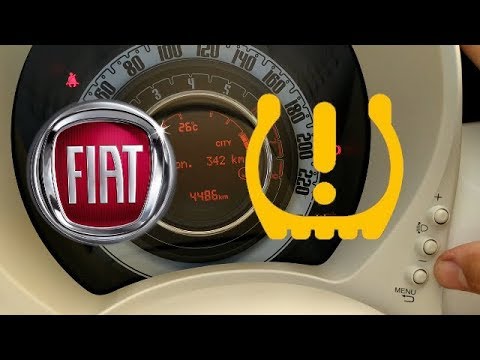
Fiat 500
(2007-2024 /
312)
In this brief and simple video tutorial, you will learn how to reset the tyre pressure warning light on a Fiat 500. First, get into your vehicle and …

Fiat 500
(2007-2024 /
312)
Need to reset the service light on a Fiat 500? Here’s how to do it. To reset the service light on the 500, turn on the ignition. Press the "menu" but…
Fiat 500
(2007-2021 /
312)
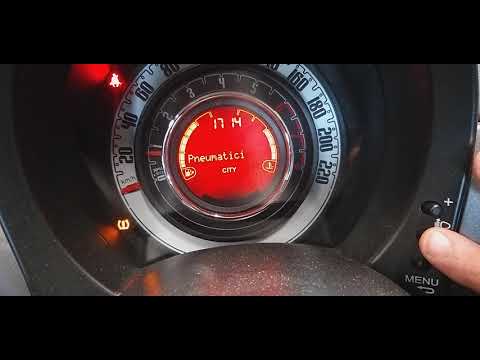
Today we will see, in this video tutorial, how to reset the tire pressure warning light on a Fiat 500; before carrying out the operation it is necess…
Other guides you may be interested in
|
How to Remove the Steering Wheel Airbag on a Fiat Panda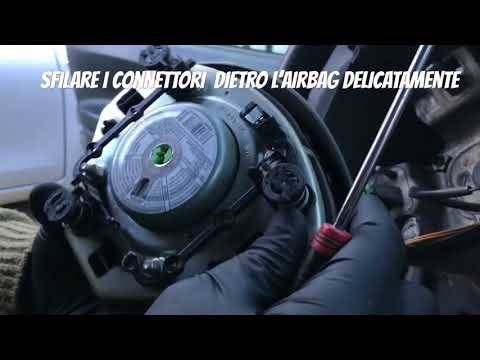
How to remove the steering wheel airbag on a Fiat Panda? Before removing the car's steering wheel, disconnect the battery terminals located in the engine bay. Here's how to proceed with the removal: remove the inspection caps at the back of the steering wheel (if present), then unscrew the screws/fasteners of the steering wheel cover (where the airbag is located) using a socket wrench or screwdriver. Once the airbag is released (driver's side), disconnect the power connectors and remove it from the steering wheel. For reassembly of the airbag: connect the power connectors and fit the airbag with the screws. by ScegliAuto More videos
|
|
For advertising on this site Write to info@scegliauto.com
ScegliAuto is not responsible for any inaccuracy of the data in the lists. To report any inaccuracy or your business (if you own the business in question), please write to info@scegliauto.com
Number of seconds to generate the page: 0.106
(c) ScegliAuto 2026 - info@scegliauto.com - Privacy policy VAT number: IT01247470535 |
