
|
Do it yourself
| |||
| ||||


Replacing Rear Brake Drums and Shoes
Model: Fiat Brava
MK 1
- Years 1995-2001
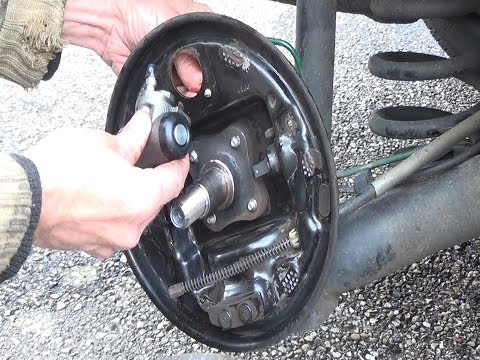
First operation: lift the vehicle and remove the wheel bolts and the wheel itself. Unscrew the drum screws and remove it. Using a wire brush attached to a drill, remove dirt and rust from the inside and outside of the drum. Spray cleaning fluid inside the shoe assembly and remove the retaining springs. Remove both shoes from the support. Spray ample cleaning fluid inside the brake. Clean the entire inside of the brake. Unscrew the brake screws and remove all parts. Thoroughly clean all brake components of rust, mud, and deposits to prevent seizing. Prepare the new friction materials. Clean and grease the moving parts. Carefully reassemble all parts, including the springs in their appropriate guides. Secure the pins with circlips. Reinstall the remaining springs in their seats. Ensure the components move freely. Lubricate the drum and install it. Install the return springs. Install the E brake cable. Install the friction material assembly and install the E cable. Install the remaining parts. Spray more cleaning fluid on the friction materials and wipe with a cloth. Reassemble the drum and ensure correct operation by pulling the brake cable. Check the proper functioning of the handbrake.
Updated on 8 February 2026 by ScegliAuto
Video tutorial
Related tutorials
Hyundai I20
(2014-2021 /
GB, IB, MK 2)
A check that is often overlooked, not only on the Hyundai I20, is the periodic cleaning of the rear drums from carbon residue. This residue, resultin…
Renault Clio
(1998-2005 /
Clio 2, MK 2)
To replace the rear drums and shoes, first lift the vehicle and remove the rear wheel (use axle stands and do not work under a vehicle supported only…
Classic 350
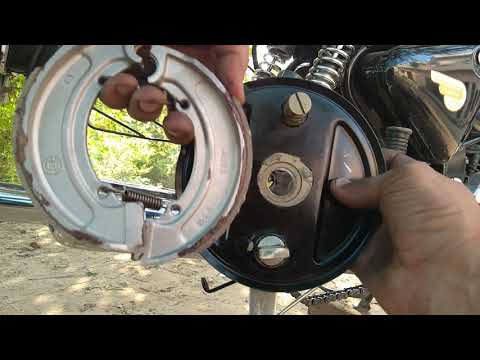
In this brief guide, learn how to remove and replace the rear brake shoes of the Royal Enfield Classic 350. First, place the motorcycle on its centre…
Other guides you may be interested in
|
How to Open the Fuel Cap of the Volkswagen Jetta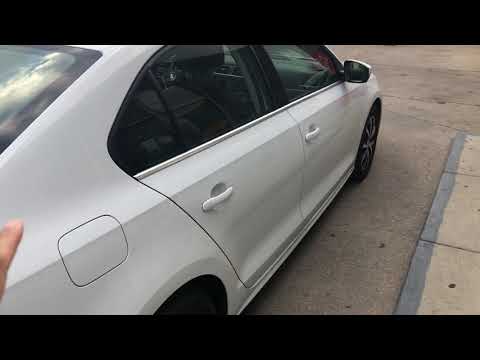
When you need to refuel this vehicle, first open the fuel filler flap. Follow these simple instructions, and you can also watch the video for more details. First, unlock the central locking to open the flaps. Then, press the fuel cap with your hand to unlock it and open it. Underneath, you will find the fuel cap, which you need to unscrew counterclockwise. At this point, you can proceed to refuel. by ScegliAuto More videos
|
|
For advertising on this site Write to info@scegliauto.com
ScegliAuto is not responsible for any inaccuracy of the data in the lists. To report any inaccuracy or your business (if you own the business in question), please write to info@scegliauto.com
Number of seconds to generate the page: 0.238
(c) ScegliAuto 2026 - info@scegliauto.com - Privacy policy VAT number: IT01247470535 |
