
|
Do it yourself
| |||
| ||||


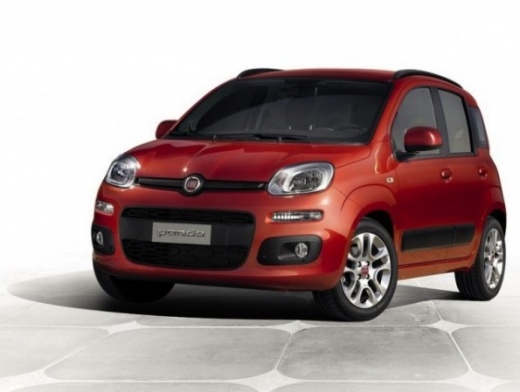
How to Set Time and Date on a Fiat Panda
Model: Fiat Panda
319, MK 3
- Years:
2012, 2013, 2014, 2015, 2016, 2017, 2018, 2019, 2020, 2021, 2022, 2023
This video is currently unavailable
Before starting, switch on the instrument panel without starting the engine. Once done, press the "Set" button to display the word "Menu" on the multifunction display. Next to the "Set" button, there is a button with the dipped beam logo and a small arrow pointing upwards. Press this button until the screen shows the phrase "Set date". Now, press "Set" again until the hour starts to flash. Using the button with the upward arrow, select the current hour, repeating this step for the minutes. To confirm, simply press the "Set" button again, and you will have successfully completed the task.
Updated on 26 April 2026 by ScegliAuto
Related tutorials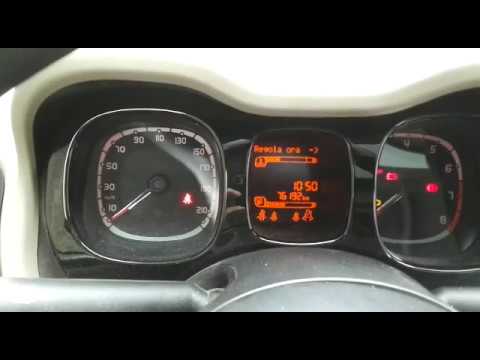
Fiat Panda
(2012-2026 /
319, MK 3)
In this video, you can see how to set the date and time on the new model Fiat Panda. At this point, simply enter your vehicle, turn on the instrument…
Fiat Panda
(2012-2026 /
319, MK 3)
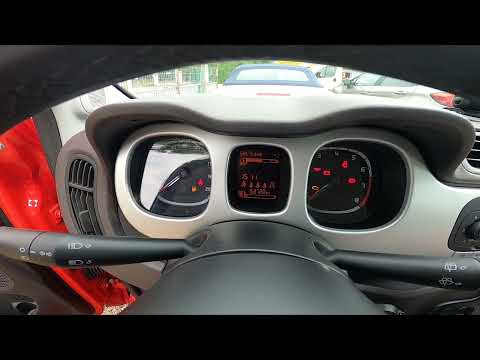
Discover the guide that will allow you to change the date and time on a Fiat Panda by following the instructions provided. First, get into the vehicl…

Fiat Panda
(2003-2012 /
169, MK 2)
Today, we will explain how to adjust the time and date on a Fiat Panda. To perform this operation, turn on the instrument cluster and press the SET b…
Other guides you may be interested in |
Frequently Asked QuestionsHow to Activate the Automatic Folding and Unfolding of the Wing Mirrors on the Jeep Compass
Follow these brief instructions to activate the automatic folding and unfolding of the external wing mirrors on the Jeep Compass. First, get inside the vehicle and turn on the ignition; then press the button located beneath the mirror glass adjustment to electrically open the mirror, as shown in the video. Pressing the button in the opposite direction will close the mirrors; by holding the button, the mirrors will open and close automatically! by ScegliAuto More videos
|
For advertising on this site Write to info@scegliauto.com
ScegliAuto is not responsible for any inaccuracy of the data in the lists. To report any inaccuracy or your business (if you own the business in question), please write to info@scegliauto.com
Number of seconds to generate the page: 0.170
(c) ScegliAuto 2026 - info@scegliauto.com - Privacy policy VAT number: IT01247470535 |
