
|
Do it yourself
| |||
| ||||


Cleaning Sticky Dashboard on Fiat Stilo
Model: Fiat Stilo
MK 1
- Years 2001-2010
The sticky dashboard surface is a common defect in several models from the Turin manufacturer, especially in the Multipla and Stilo. You can remedy this issue by thoroughly cleaning the surfaces with alcohol. It is advisable to first test on a small, possibly hidden area. Once you are confident in the quality of the result, the best solution is to remove the coverings and clean them one at a time using clean cotton rags and alcohol until the residue is completely removed.
Updated on 25 February 2026 by ScegliAuto
Video tutorial
Related tutorials
…

Fiat Stilo
(2001-2010 /
MK 1)
To find the OBD port of your Fiat Stilo, it only takes a few seconds. All you have to do is carefully read the following guide and then follow the va…
Fiat Stilo
(2001-2010 /
MK 1)
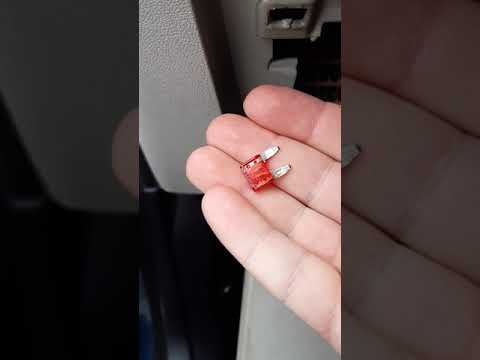
Are the car fuses damaged? Let's see how to remove the fuses in our Fiat Stilo. Disconnect the cover located in the fuse box to the left of the steer…
Other guides you may be interested in
|
How to Bleed the Clutch on a Renault Clio?
To bleed the clutch on a Renault Clio, open the bonnet to access the components located in the engine bay: here, you will need to undo the screws that secure the battery in its housing, the intake manifold, and the coolant reservoir. This will allow you to locate the pipe through which the brake fluid flows: by inserting the other end of the pipe into a container, you can press the clutch pedal to expel all the fluid until it fills the container. by ScegliAuto More videos
|
|
For advertising on this site Write to info@scegliauto.com
ScegliAuto is not responsible for any inaccuracy of the data in the lists. To report any inaccuracy or your business (if you own the business in question), please write to info@scegliauto.com
Number of seconds to generate the page: 0.681
(c) ScegliAuto 2026 - info@scegliauto.com - Privacy policy VAT number: IT01247470535 |
