
|
Do it yourself
| |||
| ||||


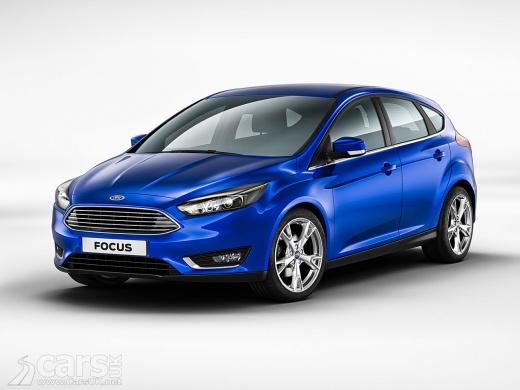
How to Calibrate the Start & Stop Battery on a Ford Focus MK3
Model: Ford Focus
- Years:
2011, 2012, 2013, 2014, 2015, 2016, 2017, 2018
Video tutorial
Let's see how to calibrate the battery on a Ford Focus with a start & stop system. The BMS system must be reset to recognise the new battery; if this reset is not performed, the system may not activate the start & stop correctly or manage the charge poorly. Turn on the ignition, switch on the headlights to the dipped beam position, and press the rear window heater button five times. Then press the rear fog light button five times. Wait a few seconds. The battery warning light on the dashboard will start to flash rapidly, indicating that calibration is in progress. If the manual procedure does not work, use a diagnostic tool to reset the BMS.
Posted on 30 October 2026 by ScegliAuto
Related tutorials
Ford Focus
(2011-2018 /
MK 3)
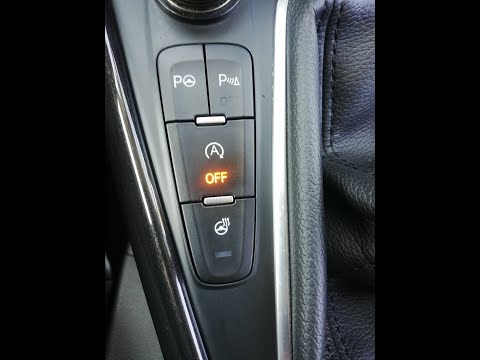
The instructions in this guide will show us how to activate and deactivate the Start&Stop system of the Ford Focus, in simple steps. First, we get on…
Ford Focus
(2011-2018 /
MK 3)
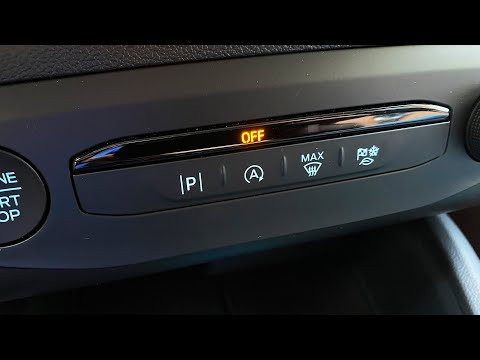
To activate the Start&Stop on a Ford Focus, turn on the instrument panel and use the button located on the centre console next to the gear lever. Pre…
Ford Focus
(2011-2018 /
MK 3)
The START&STOP system of a vehicle can be activated and deactivated at any time, although sometimes the system deactivates itself to preserve the bat…
Other guides you may be interested in
|
What does error code 59 indicate on the Opel Meriva B?
Error code 59 appears on the display of the 2012 Opel Meriva B when it is necessary to open and close the driver's side window. To remove the code, simply open and close the window. This code is always followed by error code 60, which indicates the need to open and close the passenger side window. These error codes typically appear after maintenance has been performed on the battery. If the error message continues to display despite reprogramming the windows, visit a workshop as a computer diagnosis may be necessary. by ScegliAuto More videos
|
|
For advertising on this site Write to info@scegliauto.com
ScegliAuto is not responsible for any inaccuracy of the data in the lists. To report any inaccuracy or your business (if you own the business in question), please write to info@scegliauto.com
Number of seconds to generate the page: 0.070
(c) ScegliAuto 2026 - info@scegliauto.com - Privacy policy VAT number: IT01247470535 |
