
|
Do it yourself
| |||
| ||||


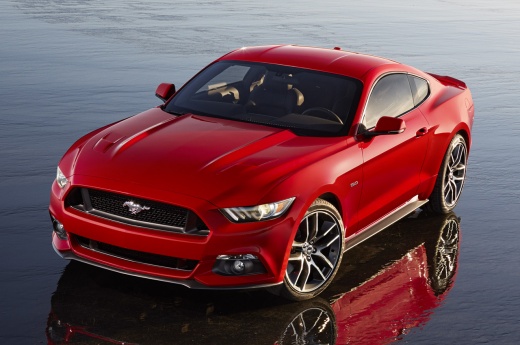
How to Change the Key Fob Battery on a Ford Mustang
Model: Ford Mustang
- Years:
2015, 2016, 2017, 2018, 2019, 2020, 2021, 2022, 2023
Video tutorial
To replace the battery in the key fob of a Ford Mustang, locate the small button on the back of the fob that allows you to extract the emergency key, then remove it completely. After removing it, use the key itself or a thin tool to pry open the designated slot of the fob shell and carefully separate the two halves. Once opened, locate the button cell battery inside, usually a CR2032. Remove the depleted battery, paying attention to its position and orientation. Insert the new battery, ensuring the correct polarity is indicated in the compartment. Then, close the fob by pressing the two halves together until fully clicked, reinsert the mechanical key, and check the operation of the buttons.
Posted on 2 November 2026 by ScegliAuto
Related tutorials
Ford Mustang
(2015-2023 /
MK 6, S550)
In this video, we see how to change the battery of a Ford Mustang MK6 remote control: even if the configuration of the remote control is slightly dif…

Ford Mustang
(2024-2026 /
S650)
Through this tutorial today we can see the necessary procedure to replace the battery of the key of a latest generation Ford Mustang. Let's start the…

Ford Mustang
(2015-2023 /
MK 6, S550)
To replace the battery in the Ford Mustang remote, pry open the groove that separates the two halves of the remote casing: once opened, you can locat…
Other guides you may be interested in
|
How to Set the Clock on the 2024 Toyota Aygo X
The steps to set the clock on the onboard computer of a 2024 Toyota Aygo X are simple and quick to perform independently. First, turn on the instrument cluster of the vehicle. Second, press the menu button on the onboard computer. Third, select the "configuration" option from the onboard computer. Fourth, select the "clock" option to set the desired hours and minutes. Fifth, return to the main menu and restart the instrument cluster. by ScegliAuto More videos
|
|
For advertising on this site Write to info@scegliauto.com
ScegliAuto is not responsible for any inaccuracy of the data in the lists. To report any inaccuracy or your business (if you own the business in question), please write to info@scegliauto.com
Number of seconds to generate the page: 0.132
(c) ScegliAuto 2026 - info@scegliauto.com - Privacy policy VAT number: IT01247470535 |
