
|
Do it yourself
| |||
| ||||


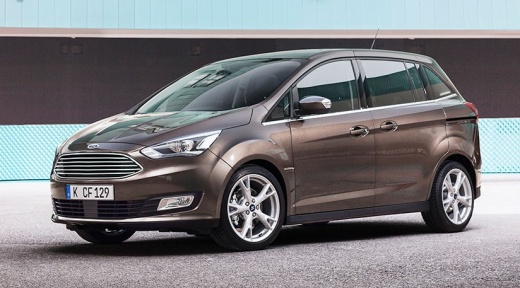
How to replace the Ford C-Max key battery?
Model: Ford C Max
MK 2
- Years 2010-2019
Replacing the Ford C-Max remote control battery, in case it is flat, is a very simple operation as we can see in the attached video guide. First get the spare battery, a CR2032, and a small flat-tip screwdriver. We take the remote control, insert the tip of the screwdriver into the small slot in the lower part, just next to the metal ring. Gently we pry up to divide the two halves of the key. At this point we can remove the discharged battery and replace it with the new one, taking care to respect the correct polarity.
Posted on 18 October 2021 by ScegliAuto
Video tutorial
Related tutorials
Ford C Max
(2010-2019 /
MK 2)
We start by inserting the tip of a thin but strong tool inside the slot in the upper side of the electric key of our Ford C-Max, and then pry. After …
Ford C Max
(2010-2019 /
MK 2)
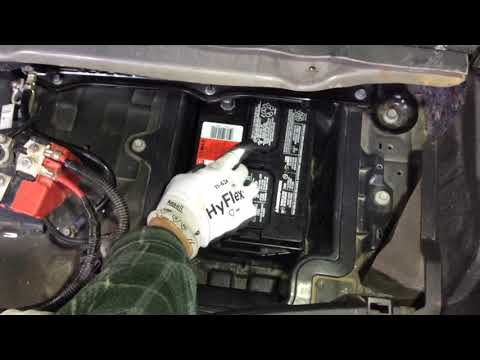
Learn how to replace the battery on a Ford C-Max: open the boot of the car (in the C-Max, the battery is located at the rear) and uncover the fabric/…

Ford C Max
(2010-2019 /
MK 2)
Thanks to the steps described in this new guide, you will be able to replace on your own and correctly the small battery inside the key of your secon…
Other guides you may be interested in
|
Timing Belt Replacement on Audi Q5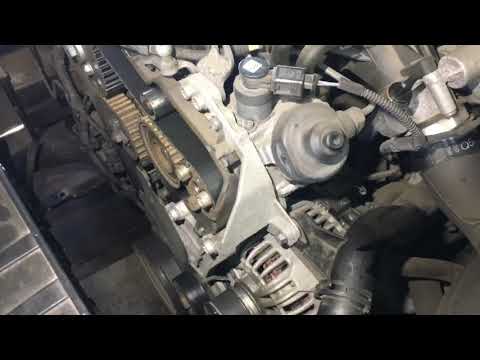
The timing belt on the Audi Q5 has reached its mileage limit, so what should you do? Let's go through the removal of the belts on the Q5. Open and lift the hood of the engine, then remove the engine soundproofing panel. Once these steps are completed, remove the plastic covers of the belts located on the left side of the engine. Loosen the second tensioner and slide the belt out of its seat. After installing the new belt, use a wrench to install the tensioner pulley, and tighten it until the belt has the correct tension (install both belts). Reinstall the covering plastics. Start and test the Audi Q5 engine. by ScegliAuto More videos
|
|
For advertising on this site Write to info@scegliauto.com
ScegliAuto is not responsible for any inaccuracy of the data in the lists. To report any inaccuracy or your business (if you own the business in question), please write to info@scegliauto.com
Number of seconds to generate the page: 0.125
(c) ScegliAuto 2026 - info@scegliauto.com - Privacy policy VAT number: IT01247470535 |
