
|
Do it yourself
| |||
| ||||


How to Replace the Battery on a Ford Kuga
To replace the battery on a second-generation Ford Kuga, first remove the air filter box by unscrewing its mounting screws and disconnecting the air hose, detaching the sensor and the oil vapour recovery hose first. Once done, remove both the battery cover by lifting it and pulling it towards you, and the front flange along with the first battery terminal. Now unscrew the two bolts of the upper battery bar to remove it, then disconnect the last battery terminal. Finally, remove the old battery and replace it with a new one by following the steps in reverse.
Updated on 16 June 2026 by ScegliAuto
Video tutorial
Related tutorials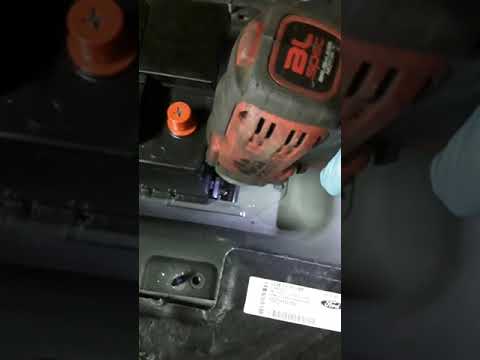
Ford Kuga
(2020-2026 /
MK 3)
To replace the battery in a Ford Kuga, open the rear tailgate to access the boot. Inside, lift the carpet to access the spare wheel, which must be re…

Ford Kuga
(2012-2019 /
C520, MK 2)
Today, let's go through the instructions on how to remove and replace the battery in a Ford Kuga by following these simple steps. First, open the bon…
Ford Kuga
(2020-2026 /
MK 3)
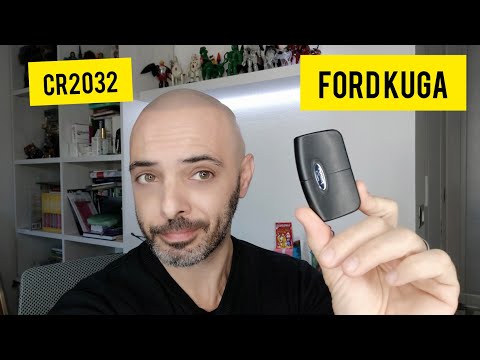
To replace the battery in the Ford Kuga remote, slide the button located at the top of the remote to release the key inside. After removing the key, …
Other guides you may be interested in
|
How to Lower the Rear Seats of a Citroen C4 Grand Picasso
In this video, we see how to lower the seats of the Citroen C4 Grand Picasso: the first thing to do is remove the parcel shelf and lower the load floor. Pull down the red straps that allow you to lower the two rear seats, which we cover with the expandable load floor. Now, go to the second row and take the black strap to push the first seat forward and fold it onto itself. At the back of this, there is a panel continuing from the load area. Do the same with the centre seat and then move to the other side to complete the operation with the last seat. The reverse operation is very simple to put all the seats back in place. by ScegliAuto More videos
|
|
For advertising on this site Write to info@scegliauto.com
ScegliAuto is not responsible for any inaccuracy of the data in the lists. To report any inaccuracy or your business (if you own the business in question), please write to info@scegliauto.com
Number of seconds to generate the page: 0.159
(c) ScegliAuto 2026 - info@scegliauto.com - Privacy policy VAT number: IT01247470535 |
