
|
Do it yourself
| |||
| ||||


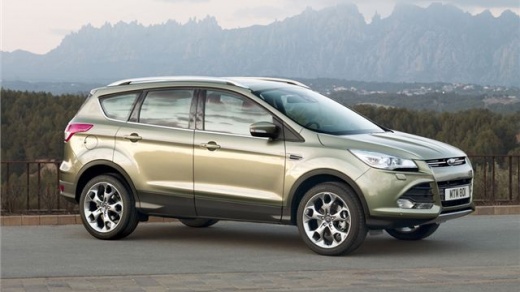
How to Reset the Service Interval in the Ford Kuga?
Model: Ford Kuga
MK 2, C520
- Years:
2012, 2013, 2014, 2015, 2016, 2017, 2018, 2019
Video tutorial
In today's video, see how to reset the service interval in the Ford Kuga. This tutorial also applies to vehicles known as Escape in some models, as they are practically the same car. First, remember to carry out the maintenance recommended by the manufacturer and detailed in the owner's manual. Once done, proceed. Enter the cabin from the driver's side and hold down the brake and accelerator pedals. At this point, turn the ignition key, and after a few seconds, the vehicle will confirm that the reset has been successfully completed.
Updated on 28 June 2026 by ScegliAuto
Related tutorials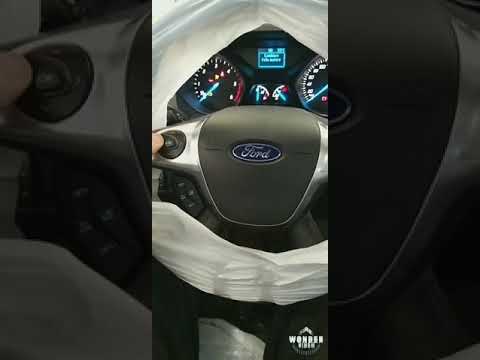
Ford Kuga
(2012-2019 /
MK 2, C520)
This short video tutorial outlines all the steps to take to resolve the issue of the tyre pressure warning light coming on in a Ford Kuga. If the rea…
Ford Kuga
(2012-2019 /
MK 2, C520)
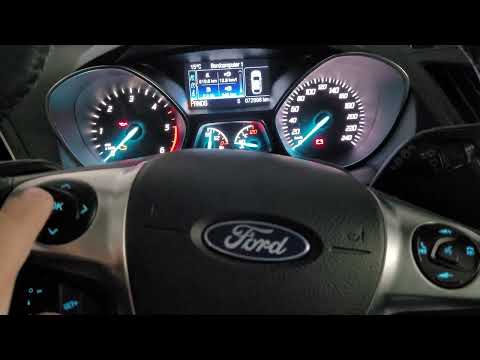
To reset the tyre pressure warning light on the Ford Kuga, turn the ignition on by rotating the key, allowing access to the menu options on the instr…

Ford Kuga
(2020-2026 /
MK 3)
To completely make the Service light disappear from the instrument panel of the Ford Kuga, you will need to turn on the instrument panel by inserting…
Other guides you may be interested in
|
Frequently Asked QuestionsHow to Enter the Unlock Code for the Radio in the Nissan Micra?
In this tutorial, you will see how to enter the unlock code for the radio in the Nissan Micra, a very simple operation to perform in case of memory loss after replacing the battery. The code can be found in the documents provided at purchase or through one of the various online recovery services. First, turn on the instrument panel, then repeatedly press the "1" button until you reach the first digit of the code. Follow the same logic to enter the remaining 3 digits using the "2", "3", and "4" buttons, and confirm the entry with the up arrow button. by ScegliAuto More videos
|
|
For advertising on this site Write to info@scegliauto.com
ScegliAuto is not responsible for any inaccuracy of the data in the lists. To report any inaccuracy or your business (if you own the business in question), please write to info@scegliauto.com
Number of seconds to generate the page: 0.084
(c) ScegliAuto 2026 - info@scegliauto.com - Privacy policy VAT number: IT01247470535 |
