
|
Do it yourself
| |||
| ||||


Replacing the Car Dashboard
Model: Ford Focus
MK 1
- Years:
1998, 1999, 2000, 2001, 2002, 2003, 2004
Video tutorial
You may need to replace the dashboard of your car. How to do it? There are screws and specific clips that you can leverage without forcing too much. To remove the dashboard, first, remove the two Allen screws located at the sides, on the lower panels, near the air vents for the feet. Near the bottom of the ashtray or in the glove compartment, there are another two Allen screws that also need to be removed. Once the 4 screws of the dashboard are removed, proceed to detach it. Be aware that there are clips present, and you must proceed with caution. If you are not careful, you could break plastic clips or damage electrical wires.
Updated on 21 February 2026 by ScegliAuto
Related tutorials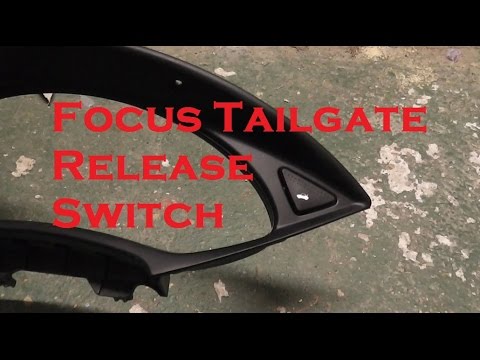
Ford Focus
(1998-2004 /
MK 1)
Your car requires regular maintenance to remain efficient over time. For the interior, it is necessary to renew the dashboard. The dashboard replacem…
Ford Focus
(2011-2018 /
MK 3)
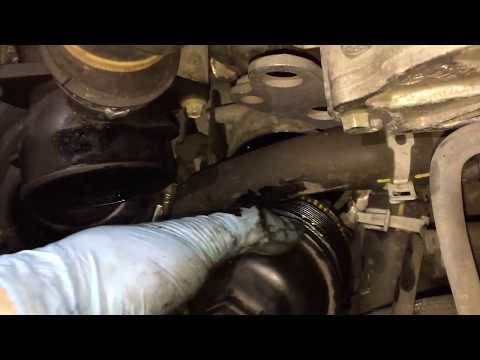
Perform an oil change on a Ford Focus. Open the car door and pull up the engine compartment release lever located at the bottom left of the dashboard…
Ford Focus
(1998-2004 /
MK 1)
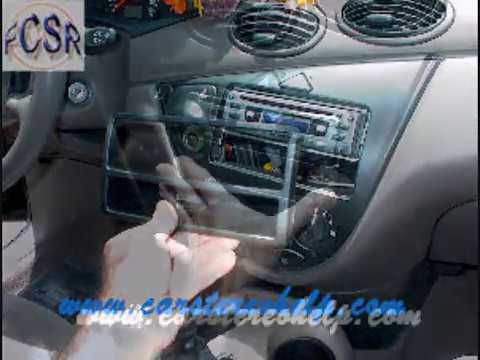
Learn how to replace the radio in a Ford Focus. To replace the car radio, use the removal keys that come with the radio. Insert the keys into the sid…
Other guides you may be interested in
|
How to Set the Time in an Audi A4?
In this tutorial, you will see how to set the time in an Audi A4, a very simple and quick operation to perform after replacing the battery or when the time changes. First, insert the key and turn on the instrument cluster. Then, press the "SETUP" button located on the center console. Next, press the upper left arrow button, navigate to the "Time" option, and use the central knob to adjust the clock. Finally, set any necessary formats and save by returning to the main screen. by ScegliAuto More videos
|
|
For advertising on this site Write to info@scegliauto.com
ScegliAuto is not responsible for any inaccuracy of the data in the lists. To report any inaccuracy or your business (if you own the business in question), please write to info@scegliauto.com
Number of seconds to generate the page: 0.022
(c) ScegliAuto 2026 - info@scegliauto.com - Privacy policy VAT number: IT01247470535 |
