
|
Do it yourself
| |||
| ||||


How to set the clock in the Geely GX3 Pro?
Model: Geely Geely Various
Video tutorial
In this tutorial, we will see how to adjust the time in the Geely GX3 Pro, a very simple and quick operation to perform, for example, after disconnecting the battery or when switching to daylight saving time. First, let's go inside the cabin, then insert the key and turn on the instrument panel. Next, we scroll through the various information on the display by repeatedly pressing the button located in the center of the dashboard until we reach the screen with the flashing clock and hold the button down. Using the same button, we can adjust the hours, minutes, and save the setting.
Posted on 5 January 2026 by ScegliAuto
Related tutorials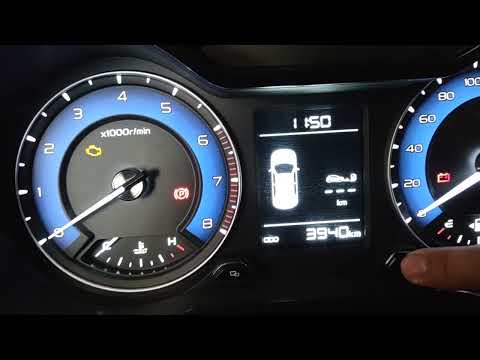
Geely Geely Various
In this tutorial, you will learn how to set the time in the Geely GX3, a very simple and quick operation to perform, for example, after disconnecting…

Geely Geely Various
As shown in this tutorial, replacing the remote battery of the Geely Atlas Pro is a very simple and quick task. You will only need a replacement CR20…
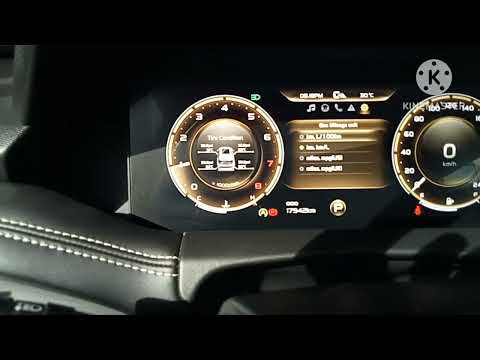
Geely Geely Various
These brief steps will show you how to access the onboard computer menu and change the date and time on the Geely Okavango. First, get into the vehic…
Other guides you may be interested in
|
Where are the fuses located on the Renault Laguna?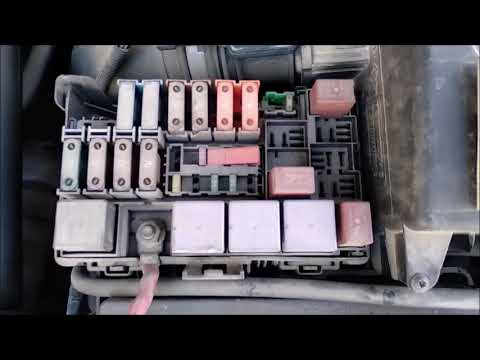
On the Renault Laguna, the fuses are located inside the fuse boxes installed in the vehicle: in this car model, you will find two boxes for containing the fuses. The first is in the fuse box on the left side of the dashboard, accessible by opening the driver's door: here you will find the fuses for the windscreen wipers, fog lights, horn, etc. The second box is located on the right side of the engine compartment: here you will find the fuses for the dipped headlights, radiator fan, alternator, etc. by ScegliAuto More videos
|
|
For advertising on this site Write to info@scegliauto.com
ScegliAuto is not responsible for any inaccuracy of the data in the lists. To report any inaccuracy or your business (if you own the business in question), please write to info@scegliauto.com
Number of seconds to generate the page: 0.158
(c) ScegliAuto 2026 - info@scegliauto.com - Privacy policy VAT number: IT01247470535 |
