
|
Do it yourself
| |||
| ||||


How to replace the battery of the GMC Canyon 2 key.
Model: GMC Canyon
MK 2
- Years 2015-2022
If you want to find out how to properly replace the battery of your GMC Canyon Mk2 key (year 2015-2021), just follow the steps described in the following mini guide. First, make sure you have a flathead screwdriver handy. Then use it to open the cover. Once you have done that, locate the exhausted button battery and remove it. Finally, insert the new battery into the appropriate compartment and reassemble the cover correctly. All that's left is to test the key's functionality.
Posted on 5 July 2023 by ScegliAuto
Video tutorial
Related tutorials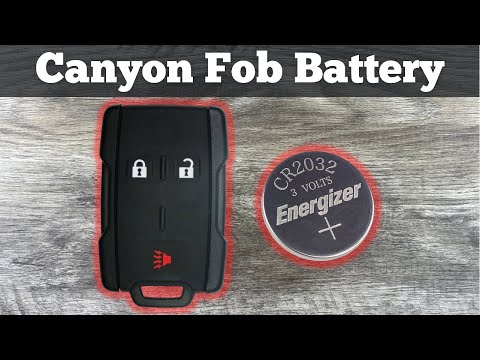
GMC Canyon
(2015-2022 /
MK 2)
Replacing the GMC Canyon remote control battery, as we can see in this tutorial, is an extremely simple and economical operation. To do this, we will…
GMC Canyon
(2004-2012 /
MK 1)
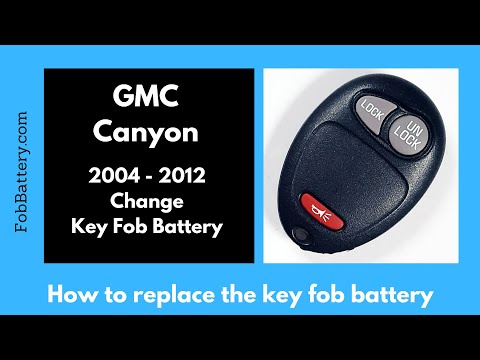
Replacing the GMC Canyon remote control battery, as we can see in this tutorial, is an extremely simple and fast operation. To do this, we will need …

GMC Canyon
(2015-2022 /
MK 2)
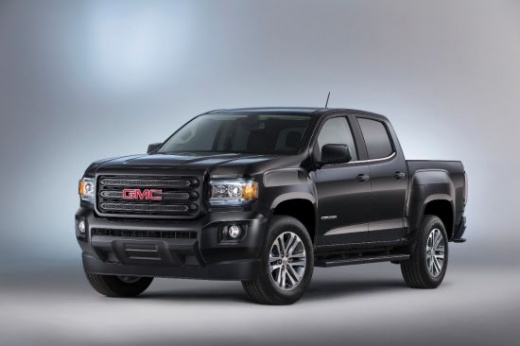
Let's see in this guide the instructions that will allow us to remove and replace the bulbs of the interior ceiling light of the Gmc Canyon passenger…
Other guides you may be interested in
|
How to Remove the Front Brake Pads on a Chrysler PT Cruiser
To remove the front brake pads on a Chrysler PT Cruiser, position the car on a column lift and raise it to a comfortable height. Unscrew the pins using a socket wrench or air drill and remove the wheel. Then, use a screwdriver to detach the brake pads. Next, remove the caliper bracket and unscrew the pins on the brake disc (using a Torx screwdriver). Pull the disc towards you to slide it off the hub. Install the new brake disc with all associated pins, secure the caliper bracket to the disc and the pads, then mount the brake caliper, ensuring all pins are tightened properly. Before mounting the wheel, bleed the brake caliper and tighten the pin. by ScegliAuto More videos
|
|
For advertising on this site Write to info@scegliauto.com
ScegliAuto is not responsible for any inaccuracy of the data in the lists. To report any inaccuracy or your business (if you own the business in question), please write to info@scegliauto.com
Number of seconds to generate the page: 0.128
(c) ScegliAuto 2026 - info@scegliauto.com - Privacy policy VAT number: IT01247470535 |
