
|
Do it yourself
| |||
| ||||


|
Model: Harley Davidson Dyna
To replace the battery on the Harley Davidson Dyna, loosen the bolts securing the cover on the right side just below the seat. Once the cover is removed, you can access the battery underneath and disconnect the power cables. When the battery securing bolts are also loosened, you can extract the battery from its housing and insert a new one. Secure the new battery in its housing with the appropriate screws and reconnect the power cables, then close the cover.
Updated on 10 May 2026 by ScegliAuto
Video tutorial
Related tutorials
Dyna
Below are the instructions for removing and replacing the battery on a Harley Davidson Dyna motorcycle. First, place the bike on a stand and start by…

Dyna
To replace the battery of the Harley Davidson Dyna, you need to loosen the screws that secure the panel located immediately under the seat: this pane…
Dyna
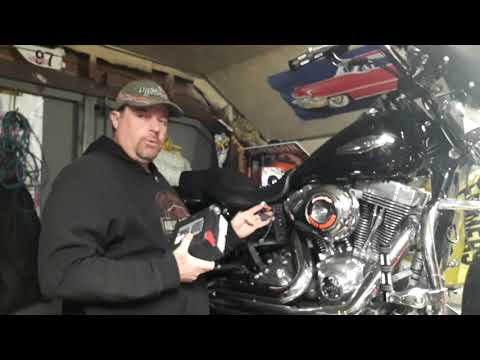
To replace the battery on a Harley Davidson Dyna, loosen the bolts securing the battery cover located on the right side of the bike, just beneath the…
|
How to Replace the Battery of the Kymco Agility 125?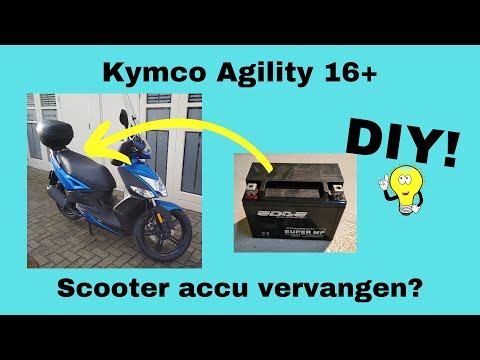
To replace the battery of the Kymco Agility 125, lift the seat to access the compartment underneath. At the rear of the under-seat compartment, you will find the battery under the corresponding panel. By unscrewing the screws that secure the panel, you can access the battery underneath, which must be freed from the corresponding securing screws and the appropriate power cables. Once the device is free, insert the new one, connecting and securing it properly, and cover everything with the panel. by ScegliAuto More videos
|
|
For advertising on this site Write to info@scegliauto.com
ScegliAuto is not responsible for any inaccuracy of the data in the lists. To report any inaccuracy or your business (if you own the business in question), please write to info@scegliauto.com
Number of seconds to generate the page: 0.005
(c) ScegliAuto 2026 - info@scegliauto.com - Privacy policy VAT number: IT01247470535 |
