
|
Do it yourself
| |||
| ||||


Honda Honda Various - Service warning lightService Warning Light Honda Honda Various ( / ) Honda Honda Various
 How to Reset the Service Light on Honda Clarity Today I will explain how to reset the service light related to the car service on a Honda Clarity vehicle produced from 2016 to 2019. On this type of vehicle, …Read all… Posted on 29 March 2026 by ScegliAuto  Honda Honda Various
 In the Honda N Van, how do you reset the Service light? The vehicle belonging to the manufacturer Honda, shown in the video, alerts, like many other vehicles, about the expiration of the service by means of the …Read all… Posted on 10 January 2026 by ScegliAuto  Honda Honda Various
 How do you reset the Service light on the Honda Forza? The mentioned moped has a certain mileage and time autonomy, after which the Service light turns on to remind you to change the motor oil and all other …Read all… Posted on 26 April 2025 by ScegliAuto 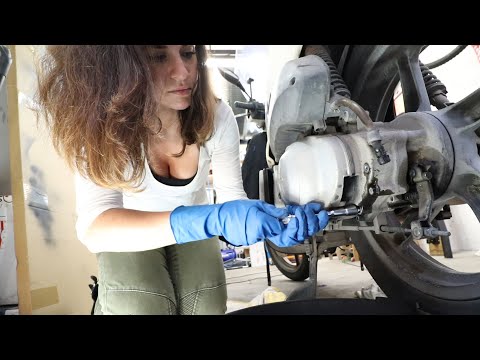 Honda Honda Various
 How to Reset the Oil Warning Light on the Honda SH 150 Use the key to turn on the instrument panel of the SH 125. Turn on the instrument panel with the key (do not start the engine). When the instrument panel …Read all… Posted on 25 July 2026 by ScegliAuto 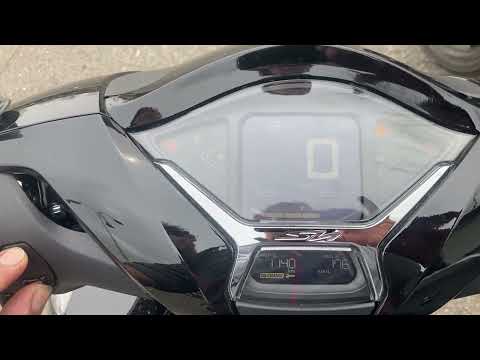 Honda Honda Various
 How to reset the service light on the Honda SH 350 Resetting or clearing the service light on the Honda SH 350 is a very simple operation that can be done independently in your garage, aided by this short video …Read all… Posted on 24 July 2026 by ScegliAuto 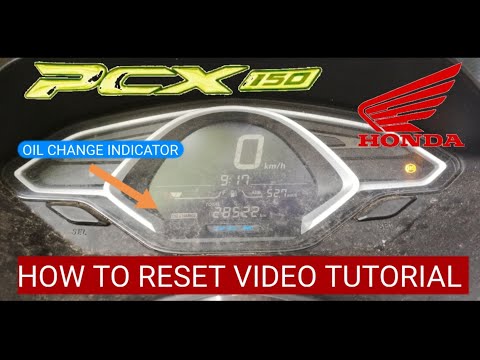 Honda Honda Various
 How to Reset the Oil Light on a Honda PCX 150 In this video tutorial, see how to reset the oil light on a Honda PCX 150 by following a few simple steps for independent vehicle management. First, change the …Read all… Posted on 2 September 2026 by ScegliAuto 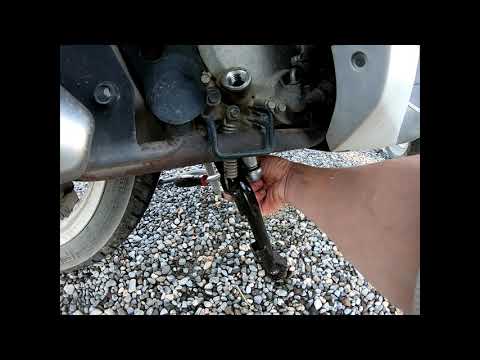 Honda Honda Various
 How to Reset the Oil Warning Light in a Honda SH 125 This video also demonstrates how to change the oil in addition to resetting the warning light for a Honda SH 125 scooter. As shown, simply drain the oil sump …Read all… Posted on 18 August 2026 by ScegliAuto  Honda Honda Various
 How to Reset the Service Light on the Honda SH 150 After performing the service that includes changing the engine oil and filter on this scooter, you need to reset the oil change warning light that has …Read all… Posted on 22 July 2026 by ScegliAuto 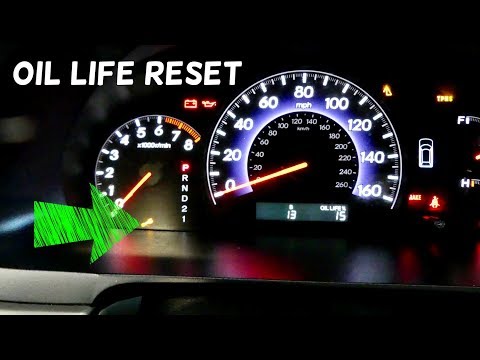 Honda Honda Various
 How to Reset the Service Light on a Honda Odyssey In this brief video tutorial, learn how to reset the service light on a Honda Odyssey, a task to be performed after each service if done independently. To …Read all… Posted on 16 July 2026 by ScegliAuto Car stereo (2) Battery (4) Control arm (1) Body (2) Glove compartment (1) Key (12) Checks and maintenance (2) Headlight (1) Fog lights (1) Air filter (4) Light bulb (1) Headlight bulb (1) Tail light bulb (1) Antifreeze coolant (1) Instrument panel light (1) Clock (4) Brake pads (3) Shift knob (1) Fuel pump (1) Wheel (1) Fuse box (3) Seat (1) Parking sensors (2) Rearview mirror (2) Warning light – error code (6) (8) Tire pressure warning light (2) Service warning light (9) Steering wheel (1) |
How to set the clock on the Opel Zafira
Setting the clock to the current Italian time on an Opel Zafira model B vehicle is a very simple operation, which can also be done independently thanks to our short instructional video. The first thing to do is to turn on the instrument panel and then press the SETTING button, located on the central dashboard. Once inside the menu, use the buttons to navigate to the clock setting. Change the hours and minutes and restart the instrument panel. If the clock is not updated, a diagnosis may be necessary at the radio or vehicle control unit. by ScegliAuto More videos
|
|
For advertising on this site Write to info@scegliauto.com
ScegliAuto is not responsible for any inaccuracy of the data in the lists. To report any inaccuracy or your business (if you own the business in question), please write to info@scegliauto.com
Number of seconds to generate the page: 0.010
(c) ScegliAuto 2026 - info@scegliauto.com - Privacy policy VAT number: IT01247470535 |
