
|
Do it yourself
| |||
| ||||


|
Model: Honda Cbr 1000rr
The replacement of the clutch of the Honda CBR 1000 can be carried out by loosening the screws that secure the cover located on the right side of the motorcycle: once the screws securing the cover have been loosened, it will be possible to proceed by detaching it and then loosening the screws that secure the clutch discs underneath. Once the aforementioned clutch discs have been removed, it will be possible to place the new ones in their housing: then the whole thing can be covered with the respective cover, checking its correct operation.
Posted on 12 November 2025 by ScegliAuto
Video tutorial
Related tutorials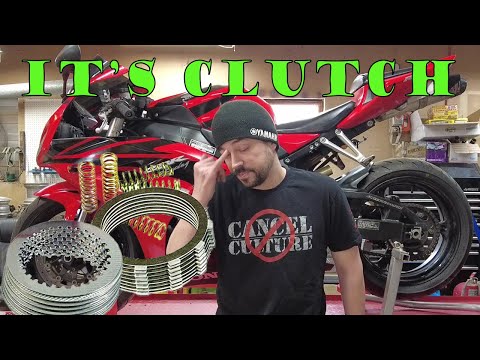
Cbr 1000rr
To replace the clutch on a Honda CBR 1000, loosen the screws securing the cover on the left side of the bike, in the central position. Once the cover…
Cbr 1000rr
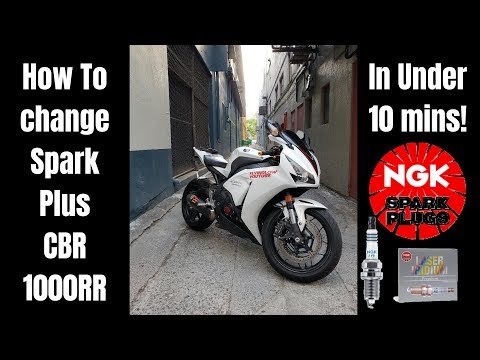
In this video tutorial, learn how to replace the spark plugs on the Honda CBR 1000 RR, following the instructions below. First, remove the fuel tank …

Cbr 1000rr
In order to replace the engine oil of the Honda CBR 1000 RR, you need to loosen the drain plug located at the bottom of the vehicle: once the plug is…
|
How to Reset the Oil Light on a Honda PCX 160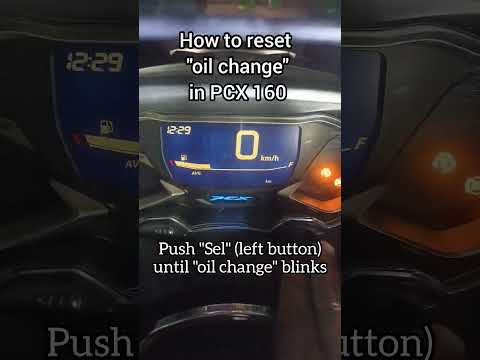
In this mini guide, discover the steps to manually reset the oil light on the central display of your Honda PCX 160. First, turn on the ignition with the key and press both the 'Sel' and 'Set' buttons located below it simultaneously. When the time starts to flash, hold 'Sel' until the oil indicator flashes, then press the 'Set' button once. To complete the reset, hold 'Sel' again until the operation is finished. by ScegliAuto More videos
|
|
For advertising on this site Write to info@scegliauto.com
ScegliAuto is not responsible for any inaccuracy of the data in the lists. To report any inaccuracy or your business (if you own the business in question), please write to info@scegliauto.com
Number of seconds to generate the page: 0.004
(c) ScegliAuto 2026 - info@scegliauto.com - Privacy policy VAT number: IT01247470535 |
