
|
Do it yourself
| |||
| ||||


Replacing the Front Brake Pads on the Honda Hornet CB 600
Model: Honda Hornet Cb 600
Video tutorial
Detailed instructions - This guide will show you how to remove and replace the front brake pads on the Honda Hornet CB 600. First, place the motorcycle on a stand and begin unscrewing the bolts securing the front brake caliper. Apply pressure to the caliper piston to retract it, removing the caliper from the disc. At this point, remove the old front brake pads, cleaning the caliper of any residual dirt. Install the new original brake pads, refitting the caliper onto the disc and replacing the other front brake pads in the same manner.
Posted on 1 October 2026 by ScegliAuto
Related tutorials
Hornet Cb 600
Have you covered enough miles and are now ready to change the oil on your Hornet? Good, you are in the right place. In this brief guide, I will expla…

Hornet Cb 600
You can replace the clutch on a Honda CB 600F by loosening the screws that secure the clutch cover, located at the lower central part of the right si…
|
How to Replace the Air Filter on the Triumph Speed Triple?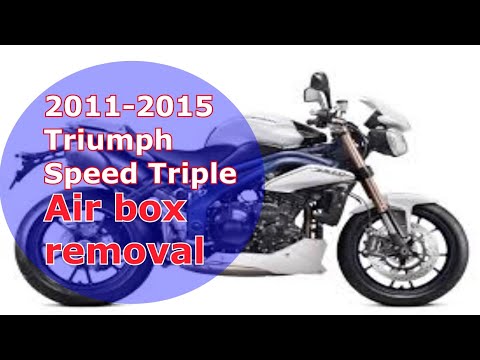
To replace the air filter on the Triumph Speed Triple, unscrew the screws and disconnect the cables connected to the fuel tank located at the front of the bike. Once the tank is completely freed, you can remove it to access the components underneath: here you will find the filter inside its housing, which can be extracted by unscrewing the screws. This way, the filter can be pulled out and replaced with a new spare part; after the replacement, remount the tank. by ScegliAuto More videos
|
|
For advertising on this site Write to info@scegliauto.com
ScegliAuto is not responsible for any inaccuracy of the data in the lists. To report any inaccuracy or your business (if you own the business in question), please write to info@scegliauto.com
Number of seconds to generate the page: 0.006
(c) ScegliAuto 2026 - info@scegliauto.com - Privacy policy VAT number: IT01247470535 |
