
|
Do it yourself
| |||
| ||||


Model: Honda Forza
To manually reset the service light on your Honda Forza, follow these simple steps. First, ensure the Honda Forza is completely off. Then locate the "Info A" and "Info B" buttons on the left knob and press them simultaneously. At the same time, insert the key and turn on the instrument panel. Once the display starts flashing, release the two buttons and hold down only "Info B" until the service light reset is successfully completed.
Updated on 28 May 2026 by ScegliAuto
Video tutorial
Related tutorials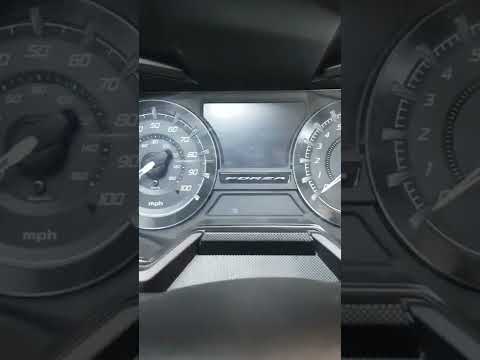
Forza
If the service light on your Honda Forza is illuminated continuously despite having completed the service, do not worry as you can easily reset it ma…

Forza
If the oil light on the display of your Honda Forza continues to stay on even after changing it, then you just need to proceed with manually resettin…
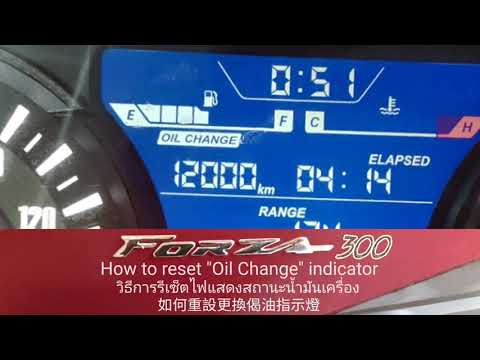
Forza
This guide shows how to reset the warning light for reaching the maximum maintenance limit on the Honda Forza 300 scooter. With the instrument panel …
|
How to Replace the Tyres on the Husaberg FE 450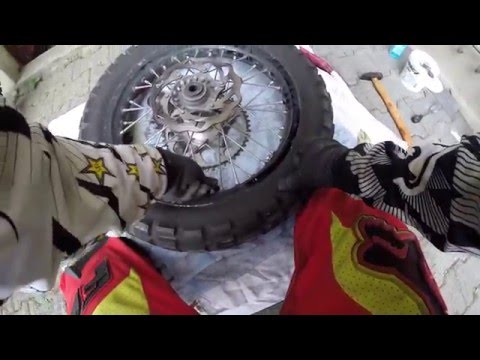
In this guide, follow the instructions to remove and replace the tyres on the Husaberg FE 450 enduro bike. First, place the bike on a stand and lift the wheel off the ground; then, undo the bolts securing the brake caliper to remove it, as shown in the video. Next, unscrew the central axle of the wheel, removing the tyre from the rim (deflating it and using levers); then install the new tyre, ensuring it has the correct dimensions, following the video tutorial to the end! by ScegliAuto More videos
|
|
For advertising on this site Write to info@scegliauto.com
ScegliAuto is not responsible for any inaccuracy of the data in the lists. To report any inaccuracy or your business (if you own the business in question), please write to info@scegliauto.com
Number of seconds to generate the page: 0.006
(c) ScegliAuto 2026 - info@scegliauto.com - Privacy policy VAT number: IT01247470535 |
