
|
Do it yourself
| |||
| ||||


Model: Honda Pcx 125
To replace the battery on the Honda PCX 125, lift the seat to access the under-seat compartment. Here, at the front, there will be a panel that needs to be removed by loosening its fixing screws, allowing access to the components underneath. Among these, you will find the battery that needs to be removed from its housing by loosening its fixing bolts and disconnecting the power cables. Once the device is freed, you can remove it from its housing and replace it with a new part.
Updated on 19 June 2026 by ScegliAuto
Video tutorial
Related tutorials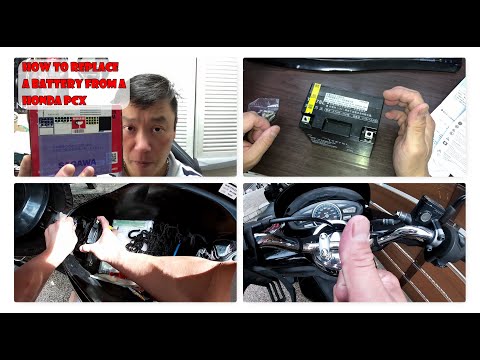
Pcx 125
In this tutorial, you will see how to replace the battery in a Honda PCX 125 scooter, a very simple and quick operation. Before proceeding, ensure th…
Pcx 125
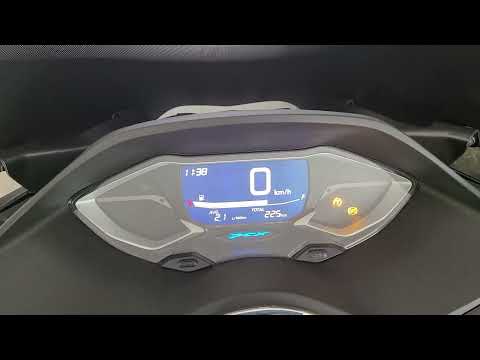
To manually change the time displayed on the instrument panel of your Honda PCX 125, it only takes a few seconds. Once you have placed your Honda PCX…

Pcx 125
In this tutorial we can see how to replace the battery in the Honda PCX 125 scooter, an extremely simple and fast operation. First of all, make sure …
|
How to Service the Piaggio Vespa GTS 300
This brief guide will illustrate the main steps to perform the routine maintenance service on the Piaggio Vespa GTS 300, replacing the engine oil and oil filter. First, place the scooter on the centre stand and start by unscrewing the oil drain bolt found under the engine, allowing it to drain into a container for about ten minutes; then unscrew the oil filter cartridge using the appropriate tool, and hand-tighten the new one. Finally, unscrew the filler cap and top up, filling to the maximum level mark! by ScegliAuto More videos
|
For advertising on this site Write to info@scegliauto.com
ScegliAuto is not responsible for any inaccuracy of the data in the lists. To report any inaccuracy or your business (if you own the business in question), please write to info@scegliauto.com
Number of seconds to generate the page: 0.083
(c) ScegliAuto 2026 - info@scegliauto.com - Privacy policy VAT number: IT01247470535 |
