
|
Do it yourself
| |||
| ||||


How to Replace the Drive Belt on a Honda PCX 125
Model: Honda Pcx 125
Video tutorial
Today's guide will show you how to remove and replace the drive belt on the Honda PCX 125 scooter, following the instructions below. First, place your scooter on the centre stand and start unscrewing the fixing screws of the transmission cover to remove it. Next, unscrew the central nut of the fan and that of the clutch bell, removing the components as shown in the video. At this point, also remove the drive belt and replace it with the new one, reassembling your transmission!
Updated on 11 July 2026 by ScegliAuto
Related tutorials
Pcx 125
Today, you will see the instructions that will allow you to disassemble and replace the transmission belt of the Honda PCX 125 scooter. First, place …
Pcx 125
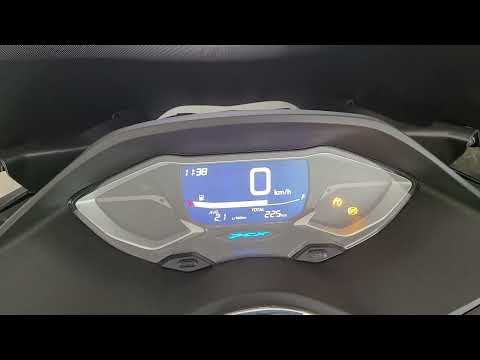
To manually change the time displayed on the instrument panel of your Honda PCX 125, it only takes a few seconds. Once you have placed your Honda PCX…

Pcx 125
Here are the instructions to change and set the time on the Honda PCX 125 and PCX 160 scooters. First, place your scooter on the centre stand and tur…
|
How to Replace the Key Fob Battery on a BMW K1600?
To replace the battery of the BMW K1600 key fob, press the button located on the top of the device. This will lift the key blade, allowing you to leverage it within its housing. Remove the panel on the back of the device to access the underlying battery, which can then be extracted and replaced with a new spare part. This way, you can ensure everything is functioning correctly. by ScegliAuto More videos
|
For advertising on this site Write to info@scegliauto.com
ScegliAuto is not responsible for any inaccuracy of the data in the lists. To report any inaccuracy or your business (if you own the business in question), please write to info@scegliauto.com
Number of seconds to generate the page: 0.009
(c) ScegliAuto 2026 - info@scegliauto.com - Privacy policy VAT number: IT01247470535 |
