
|
Do it yourself
| |||
| ||||


Model: Honda Forza
To replace the transmission on the Honda Forza, loosen the screws securing the cover that contains the transmission. Once the cover is removed, you can access the underlying components. Loosen the central nut that secures the clutch and variator to remove both components along with the corresponding drive belt around them. Once everything is removed, install the new replacement parts, cover them with the casing, and ensure everything functions correctly.
Updated on 4 August 2026 by ScegliAuto
Video tutorial
Related tutorials
Forza
To replace the transmission on the Honda Forza, loosen the screws securing the cover located on the left side of the rear wheel. Once the screws are …
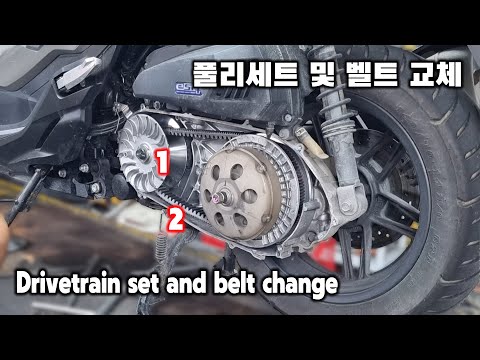
Forza
To replace the transmission of the Honda Forza, loosen the screws securing the cover located on the left side of the rear wheel. Once the screws are …
Forza
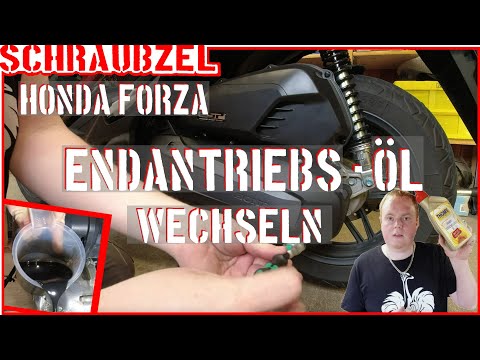
To change the gear oil on the Honda Forza, loosen the drain bolt located at the rear of the transmission casing. Once this bolt is loosened, you can …
|
How to Replace the Air Filter on a Honda CB500X?
Replacing the air filter on the Honda CB500X, as shown in this tutorial, is a very simple and quick operation. First, remove the seat, then loosen the nut securing the negative terminal of the battery, disconnect it, and repeat the process for the positive terminal. Next, detach the upper strap, remove the battery, and unscrew the 4 screws securing the airbox cover. Once opened, you can extract the old filter, remove any residue present in the housing, and fit the new part. by ScegliAuto More videos
|
|
For advertising on this site Write to info@scegliauto.com
ScegliAuto is not responsible for any inaccuracy of the data in the lists. To report any inaccuracy or your business (if you own the business in question), please write to info@scegliauto.com
Number of seconds to generate the page: 0.006
(c) ScegliAuto 2026 - info@scegliauto.com - Privacy policy VAT number: IT01247470535 |
