
|
Do it yourself
| |||
| ||||


Resetting the Oil Light on the Honda PCX
Model: Honda Pcx 125
Video tutorial
After changing the engine oil, as required by the manufacturer's scheduled maintenance programme, you need to reset the warning light that indicates this intervention is necessary on the Honda PCX. With the instrument panel off, press and hold the button located to the right, at the bottom of the speedometer for a few seconds, then turn the key to switch on the instrument panel. The oil change light will turn off after a few seconds, confirming the procedure is complete. Switch off and then on the instrument panel to verify the operation was successful.
Updated on 22 August 2026 by ScegliAuto
Related tutorials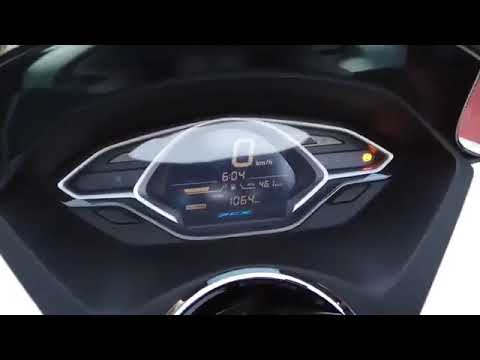
Pcx 125
If you notice the oil warning light on your Honda PCX 125 remains illuminated despite having replaced the oil, you need to perform the following manu…

Pcx 125
This video shows how to reset the oil change light on the Honda PCX 125. The procedure is simple, takes little time, and does not require tools or so…
Pcx 125
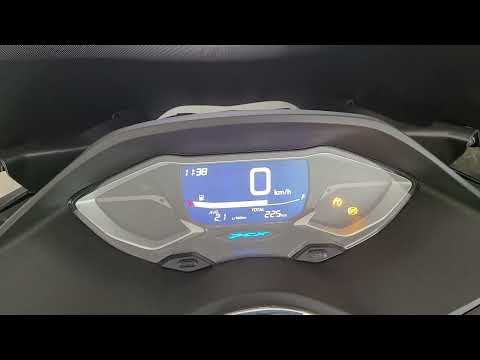
To manually change the time displayed on the instrument panel of your Honda PCX 125, it only takes a few seconds. Once you have placed your Honda PCX…
|
How to Replace the Clutch on a Kymco Downtown 125?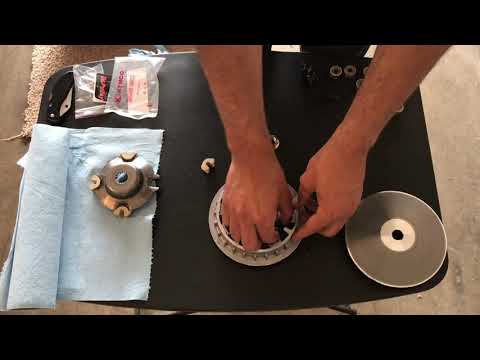
To replace the clutch on the Kymco Downtown 125, loosen the screws that secure the cover located on the left side of the bike, near the rear wheel. Once the screws are loosened, remove the cover to access the components underneath: the clutch at the rear can be removed by unscrewing the fixing screws and sliding out all the discs that make it up. At this point, insert the new replacement part, reposition the drive belt, and cover everything with the cover. by ScegliAuto More videos
|
|
For advertising on this site Write to info@scegliauto.com
ScegliAuto is not responsible for any inaccuracy of the data in the lists. To report any inaccuracy or your business (if you own the business in question), please write to info@scegliauto.com
Number of seconds to generate the page: 0.005
(c) ScegliAuto 2026 - info@scegliauto.com - Privacy policy VAT number: IT01247470535 |
