
|
Do it yourself
| |||
| ||||


Model: Honda Cbr 150
In this new guide, you will learn how to manually set the time displayed on the central dashboard of your Honda CBR150R. First, position the motorcycle's stand correctly and then turn on the ignition. At this point, locate the "Mode" and "Reset" buttons situated below the display. Press and hold them simultaneously for a few seconds and release them as soon as the time starts to flash. Next, press the "Reset" button multiple times to change the hour digit. Then press "Mode" to switch to minutes and repeat the same procedure.
Updated on 14 September 2026 by ScegliAuto
Video tutorial
Related tutorials
Cbr 150
.. In this tutorial, we will see how to set the time on the Honda CBR150R, a very simple and quick operation to perform, for example,.. …

Cbr 150
.. In this tutorial, you can see how to set the time on the Honda CBR150R, a very simple and quick operation, to be done after disconnecting.. …
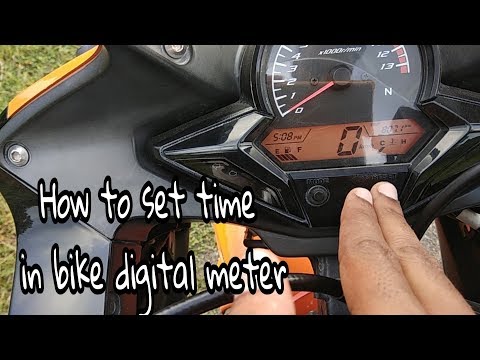
Cbr 150
To set the clock on a Honda CBR 150R, turn on the instrument cluster by inserting the ignition key into the ignition switch: once the display is on, …
|
How to Remove the Engine from the Piaggio Vespa GTS 250 - 300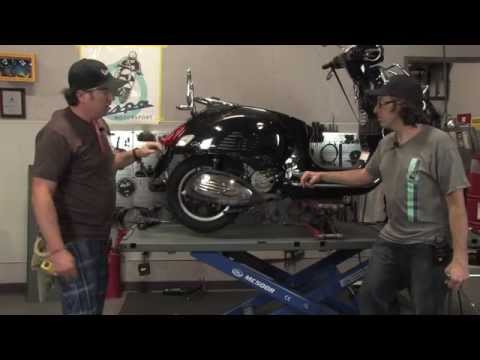
In this guide, you will learn how to remove the engine block from the body of the Piaggio Vespa GTS 250 and GTS 300. First, place your scooter on the centre stand and begin by removing the exhaust silencer by unscrewing the bolts; then, unscrew the central bolt of the wheel hub and remove the entire wheel, as shown in the video. At this point, disconnect the suspension from the engine block by detaching the fuel lines and various wiring; then, remove the engine block, applying the reverse procedure for reassembly! by ScegliAuto More videos
|
|
For advertising on this site Write to info@scegliauto.com
ScegliAuto is not responsible for any inaccuracy of the data in the lists. To report any inaccuracy or your business (if you own the business in question), please write to info@scegliauto.com
Number of seconds to generate the page: 0.005
(c) ScegliAuto 2026 - info@scegliauto.com - Privacy policy VAT number: IT01247470535 |
