
|
Do it yourself
| |||
| ||||


Replacement of Cabin Fan
Model: Honda Civic
MK 7
- Years 2001-2006
The cabin fan is located on the passenger side, just below the glove compartment. First, detach the plastic cover directly beneath the glove compartment: the cylindrical cabin fan system with a series of reinforcing ribs will be immediately visible. Next, disconnect the power connector from the fan motor and unscrew the fixing screws along the edge of the flange: this allows you to remove the complete cabin fan with motor and replace it with the new one. Finally, screw in the previously removed screws, reconnect the plug, and reposition the plastic cover.
Updated on 4 February 2026 by ScegliAuto
Video tutorial
Related tutorials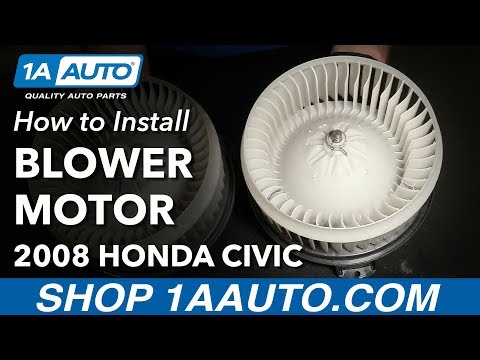
Honda Civic
(2006-2012 /
MK 8)
To replace the cabin fan on the Honda Civic, remove the plastic cover located under the glove compartment on the passenger side. The cover can be rem…

Honda Civic
(1995-2001 /
MK 6)
To replace the radiator on the Honda Civic, open the bonnet to access the engine bay and disconnect all hoses and connectors attached to the radiator…
Honda Civic
(2006-2012 /
MK 8)
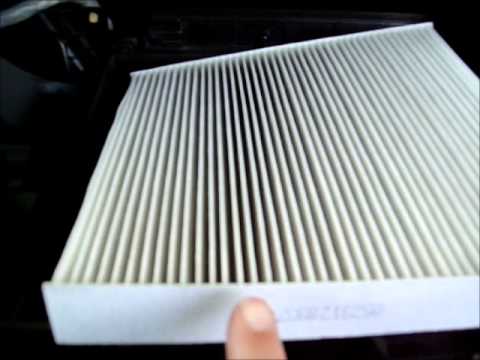
Regularly replacing the cabin air filter ensures excellent airflow in the ventilation system and helps prevent damage due to overheating of the fan, …
Other guides you may be interested in
|
How to Replace the Battery on a Honda Vision 110
To replace the battery on a Honda Vision 110, you need to remove the front fairing of the motorcycle, located directly under the front headlamp. To loosen this panel, unscrew the two screws found at its top, just below the handlebar. Once these screws are loosened, lever under the panel to detach it, gaining access to the battery underneath: this battery must be removed from its housing by unscrewing the fixing screws and disconnecting the power cables, replacing it with a new one. by ScegliAuto More videos
|
|
For advertising on this site Write to info@scegliauto.com
ScegliAuto is not responsible for any inaccuracy of the data in the lists. To report any inaccuracy or your business (if you own the business in question), please write to info@scegliauto.com
Number of seconds to generate the page: 0.079
(c) ScegliAuto 2026 - info@scegliauto.com - Privacy policy VAT number: IT01247470535 |
