
|
Do it yourself
| |||
| ||||


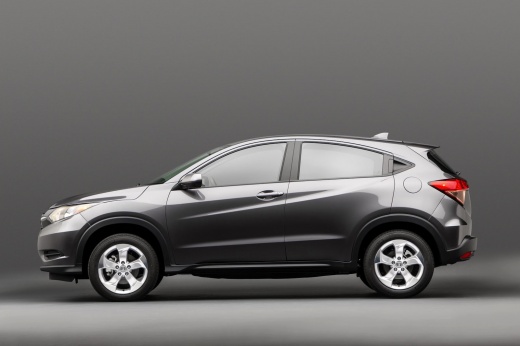
How to connect the iPhone to the on-board computer of a Honda HR-V
Model: Honda Hr V
MK 2, RU
- Years 2016-2022
Before we can begin, we will have to go and sit in the driver's seat of our Honda HR-V. So let's start by connecting our iPhone via the appropriate Apple USB cable to the vehicle's USB socket. After that, we will have to activate the instrument panel and the on-board computer display. Once this is done, we will have to give the on-board computer the green light for Apple Carplay. At this point, we will have to press the "Apple CarPlay" item on the main screen of the on-board computer. When we have completed this last step, we will have successfully connected our iPhone to the on-board computer of our Honda HR-V.
Posted on 22 January 2022 by ScegliAuto
Video tutorial
Related tutorials
Honda Hr V
(2016-2022 /
MK 2, RU)
In this tutorial we can see how to reset the on-board computer in the Honda HR-V, an extremely simple and quick operation, to be carried out for exam…

Honda Hr V
(2016-2022 /
MK 2, RU)
Today we will learn how to reset the tire pressure warning on the Honda HR-V; before performing the reset and recalibration of the TPMS sensors, it i…

Honda Hr V
(2021-2026 /
RV6, RV5, RV4, RV3)
Today's video will show us how to reset the service light for the regular maintenance of the engine oil change in the Honda HR-V. First, we get into …
Other guides you may be interested in
|
How to Replace the Diesel Filter on a Dacia Duster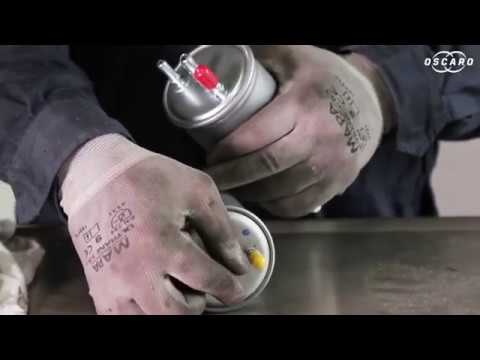
Let's see how to replace the diesel filter on a Dacia Duster. Start by removing the plastic cover at the bottom of the bumper with a suitable screwdriver (remove the circle), then reach the front headlamp located in the bumper (as shown in the video). After removing the container, take out the filter inside and fit a new one (same size). Refit the container and the plastic cover under the car's bumper with the attached clips. Test the proper functioning. Refit the front circle with the securing clips and lower the car. by ScegliAuto More videos
|
|
For advertising on this site Write to info@scegliauto.com
ScegliAuto is not responsible for any inaccuracy of the data in the lists. To report any inaccuracy or your business (if you own the business in question), please write to info@scegliauto.com
Number of seconds to generate the page: 0.052
(c) ScegliAuto 2026 - info@scegliauto.com - Privacy policy VAT number: IT01247470535 |
