
|
Do it yourself
| |||
| ||||


Hyundai Grandeur Azera - KeyKey Hyundai Grandeur Azera (2011-2016 / mk 5,hg)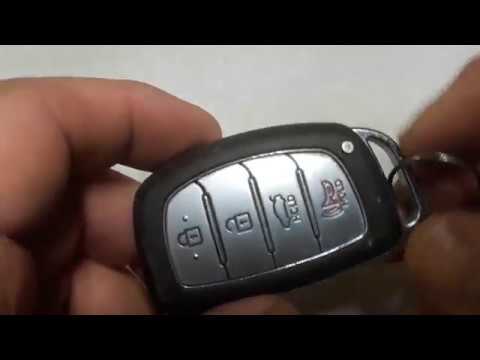 Hyundai Grandeur Azera (2011-2016 / MK 5, HG)
How to Replace the Remote Battery for the Hyundai Grandeur Azera? Is the remote not working as it should, making it difficult to lock and unlock the car from a distance and forcing you to use the manual key? No worries, in …Read all… Posted on 16 July 2026 by ScegliAuto  Hyundai Grandeur Azera (2011-2016 / MK 5, HG)
How to Replace the Key Fob Battery for the Hyundai Azera? In this tutorial, you will see how to replace the key fob battery for the Hyundai Azera, a very simple and inexpensive operation. To do this, you will need a …Read all… Posted on 6 August 2026 by ScegliAuto 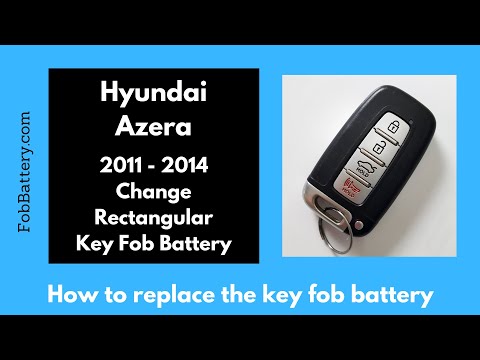 Hyundai Grandeur Azera (2011-2016 / MK 5, HG)
How to Change the Key Battery on the Hyundai Grandeur Azera If you need to replace the remote key battery for this vehicle, the information provided in this description and the images in the video tutorial may be …Read all… Posted on 28 July 2026 by ScegliAuto Shocks (1) Car stereo (1) Battery (1) Spark plugs (1) Key (3) V-belt (1) Headlight (1) Air filter (1) Cabin air filter (2) Engine oil (1) Clock (1) Door trim panel (1) Warning light – error code (1) |
How to Reset the Tyre Pressure Warning Light on the Hyundai Tucson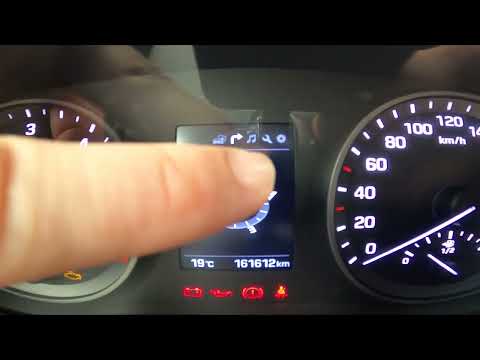
Today, we will discover the instructions that will allow you to reset the tyre pressure warning light (TPMS) on the Hyundai Tucson; before performing the reset, ensure that all four tyres are at the correct operating pressure. Then, get in the vehicle and start the ignition; next, navigate to the onboard computer settings using the controls on the steering wheel until you reach the tyre pressure monitoring section, as shown in the video. At this point, confirm and execute the reset of the TPMS warning light! by ScegliAuto More videos
|
|
For advertising on this site Write to info@scegliauto.com
ScegliAuto is not responsible for any inaccuracy of the data in the lists. To report any inaccuracy or your business (if you own the business in question), please write to info@scegliauto.com
Number of seconds to generate the page: 0.008
(c) ScegliAuto 2026 - info@scegliauto.com - Privacy policy VAT number: IT01247470535 |
