
|
Do it yourself
| |||
| ||||


How to Replace the Remote Battery for the Hyundai Grandeur Azera?
Model: Hyundai Grandeur Azera
MK 5, HG
- Years 2011-2016
Is the remote not working as it should, making it difficult to lock and unlock the car from a distance and forcing you to use the manual key? No worries, in these cases, simply replace the battery to solve the problem. Start by pressing the small round button on top and simultaneously pull the emergency blade outward to remove it. Then use it to pry open the remote casing with a little force. At this point, you can take out the old battery, which is a CR2032 button cell, and insert the new one before closing the remote and putting the key blade back in place.
Updated on 16 July 2026 by ScegliAuto
Video tutorial
Related tutorials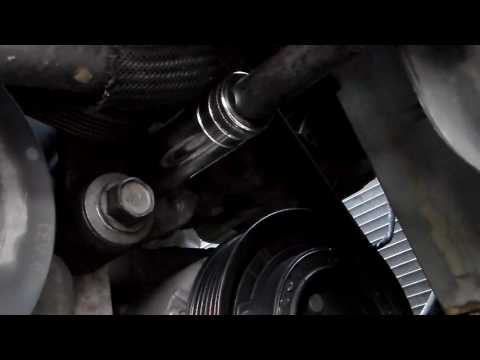
Hyundai Grandeur Azera
(2005-2011 /
MK 4, TG)
This guide provides instructions to remove and replace the serpentine belt on a Hyundai Grandeur Azera. First, lift the vehicle and remove the right …
Hyundai Grandeur Azera
(2005-2011 /
MK 4, TG)
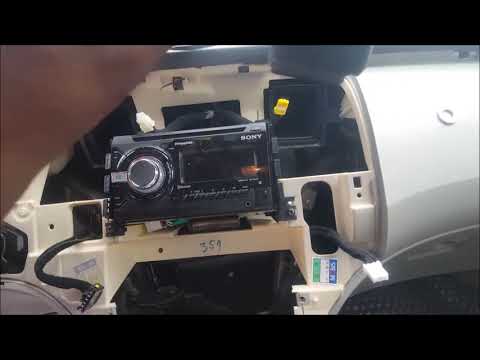
In this guide, see how to remove and replace the factory radio in the Hyundai Grandeur Azera by following the instructions below. First, get inside t…
Hyundai Grandeur Azera
(2011-2016 /
MK 5, HG)
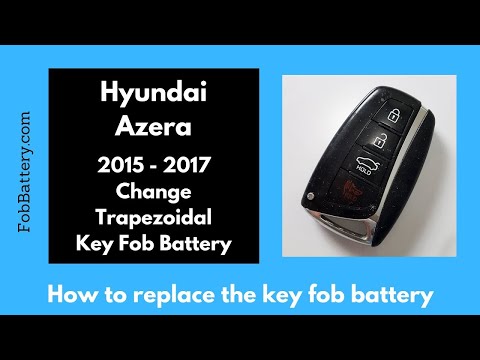
In this tutorial, you will see how to replace the key fob battery for the Hyundai Azera, a very simple and inexpensive operation. To do this, you wil…
Other guides you may be interested in
|
Fuses Location and Diagram for the Volkswagen Crafter
In this guide, we will look at the location of the fuse boxes and how to find their diagram for the Volkswagen Crafter. First, get inside the vehicle and start by removing the plastic cover found under the steering wheel, to access the internal fuse box; you will find another fuse box in the engine compartment by removing the plastic cover located next to the battery. At this point, use the owner's manual to find the fuse diagram, which will allow you to identify and replace any blown fuses with new ones! by ScegliAuto More videos
|
|
For advertising on this site Write to info@scegliauto.com
ScegliAuto is not responsible for any inaccuracy of the data in the lists. To report any inaccuracy or your business (if you own the business in question), please write to info@scegliauto.com
Number of seconds to generate the page: 0.152
(c) ScegliAuto 2026 - info@scegliauto.com - Privacy policy VAT number: IT01247470535 |
