
|
Do it yourself
| |||
| ||||


How to replace the reverse camera of the Hyundai Tucson/IX35
Model: Hyundai Tucson
MK 2, LM
- Years:
2010, 2011, 2012, 2013, 2014, 2015
Video tutorial
In this video we can see how to replace the rear camera of a Huyndai Tucson/Ix35: we need to remove the plastic panel where the camera is located, a panel that is removed by levering from the inside out with a plastic spatula, snapping the clips. On the right side we will find the electrical connector, but we will also need to remove the panel from the inside of the trunk in order to completely remove the device from the car. This panel is also held by plastic rivets and four cross-headed screws: this way we can remove the old camera, with its brackets. We can find the new camera for example on AliExpress with the code 1005005642599374 at the price of 19.61 euros, free delivery.
Posted on 23 March 2025 by ScegliAuto
Related tutorials
Hyundai Tucson
(2015-2021 /
MK 3, TL)
After servicing your Hyundai Tucson IX35, you need to manually reset the maintenance warning light. To do this, follow these steps. First, insert the…

Hyundai Tucson
(2015-2021 /
MK 3, TL)
In this short video tutorial, see how to remove the external wing mirror on a Hyundai Tucson, as well as on the IX 35. First, open the front door and…
Hyundai Tucson
(2004-2009 /
JM, MK 1)
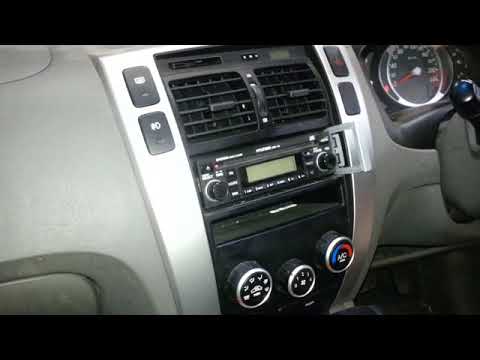
Discover in this brief and simple guide how to remove and replace the standard radio of the Hyundai Tucson. First, get inside the vehicle and start b…
Other guides you may be interested in |
Where is the Reset Button for the Tyre Light on a Hyundai Ix35?
The instrument cluster of the Hyundai Ix35 is equipped with a tyre light that illuminates to alert the driver of low pressure in one or more tyres. In addition to simply having a flat tyre, there could also be a puncture or a malfunction of the monitoring sensor. Once the nature of the problem is determined and resolved, you can quickly reset the tyre light by pressing the button depicting a flat tyre, located on the left side of the steering wheel, for a few seconds, waiting for the warning to turn off on the instrument cluster. by ScegliAuto More videos
|
|
For advertising on this site Write to info@scegliauto.com
ScegliAuto is not responsible for any inaccuracy of the data in the lists. To report any inaccuracy or your business (if you own the business in question), please write to info@scegliauto.com
Number of seconds to generate the page: 0.010
(c) ScegliAuto 2026 - info@scegliauto.com - Privacy policy VAT number: IT01247470535 |
