
|
Do it yourself
| |||
| ||||


How to Adjust the Handbrake on the Hyundai I10?
Model: Hyundai I10
PA, MK 1
- Years 2007-2013
In this tutorial, you will see how to adjust the handbrake on the Hyundai I10, a very simple and quick operation. First, park the vehicle on a flat surface with the first gear engaged, then remove both the bottom of the small rear storage compartment in the console and the bottom of the first cup holder compartment. Next, unscrew the two bolts just exposed using a long socket wrench, remove the plastic from the console, and using a 13mm spanner, tighten the adjustment nut indicated until you reach the desired tension level. Finally, reassemble everything.
Posted on 3 February 2026 by ScegliAuto
Video tutorial
Related tutorials
Hyundai I10
(2007-2013 /
PA, MK 1)
Today we will explain how to easily and quickly adjust the clock on the onboard computer of the 2008 Hyundai I10. First, turn on the vehicle's instru…

Hyundai I10
(2007-2013 /
PA, MK 1)
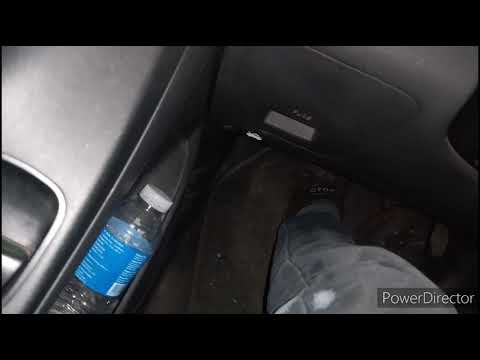
Today's main instructions will show us how to adjust the clutch pedal play of the Hyundai I10 1.1. First, we open the car's hood and locate the clutc…
Hyundai I10
(2007-2013 /
PA, MK 1)
Below are the main instructions that will allow you to adjust the clutch cable on the Hyundai I10. First, open the bonnet of the vehicle and start lo…
Other guides you may be interested in |
How to change the time on a Toyota Yaris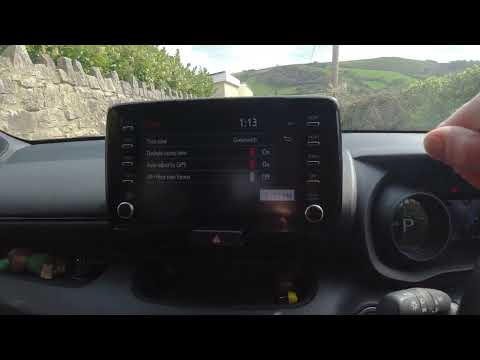
In this video we see how to change the time on a Toyota Yaris, specifically when it comes to switching from daylight saving time to standard time and vice versa. We go to the multifunction screen and press "settings": from there we go to press the clock, simply click on daylight saving time, and the clock will change the time for us, without doing anything else. All we want to do is just adjust the time format to 12 or 24 hours, as is customary in the area where we live: for example in Anglo-Saxon countries it is common to set the time to 12 hours, while in the European Union it is normally set to 24 hours. by ScegliAuto More videos
|

|
For advertising on this site Write to info@scegliauto.com
ScegliAuto is not responsible for any inaccuracy of the data in the lists. To report any inaccuracy or your business (if you own the business in question), please write to info@scegliauto.com
Number of seconds to generate the page: 0.110
(c) ScegliAuto 2026 - info@scegliauto.com - Privacy policy VAT number: IT01247470535 |
