
|
Do it yourself
| |||
| ||||


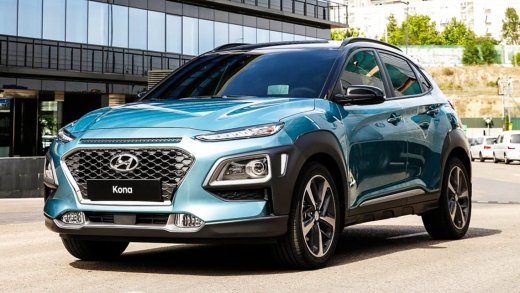
How to Reset the Tyre Pressure Warning Light on the Hyundai Kona
Model: Hyundai Kona
MK 1
- Years:
2017, 2018, 2019, 2020, 2021, 2022, 2023
Video tutorial
In this guide, we will discover the steps to reset the tyre pressure warning light on the Hyundai Kona. Before recalibrating the TPMS sensors, ensure that all four tyres are at the correct operating pressure. Then, get inside the vehicle and turn on the ignition; next, go to the vehicle settings and then to the tyre pressure section, following the guided procedure to confirm and execute the reset of the TPMS warning light from the instrument panel. Finally, turn off the ignition and start the engine!
Posted on 23 February 2026 by ScegliAuto
Related tutorials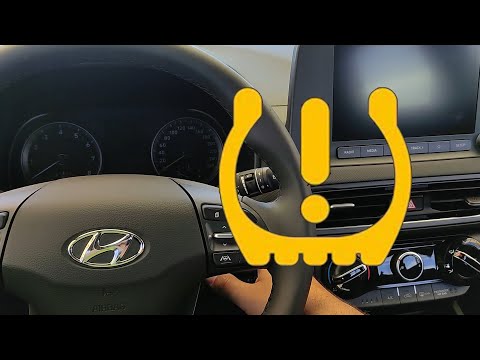
Hyundai Kona
(2017-2023 /
MK 1)
To reset the tyre pressure warning light on the Hyundai Kona, do not press any buttons, and there is no procedure to reset the light from the onboard…
Hyundai Kona
(2017-2023 /
MK 1)
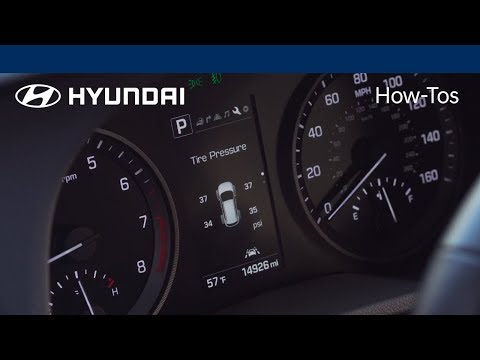
In this video, you can see how to reset the tyre pressure light on a Hyundai Kona. First, ensure the vehicle is secure with the handbrake applied and…

Hyundai Kona
(2023-2026 /
MK 2)
In the attached video, we can discover the method to reset the tyre warning light on the Hyundai Kona. The warning appears on the instrument panel wh…
Other guides you may be interested in
|
How to Change the Time on the Peugeot 208
Today's guide will show you how to set the clock on the Peugeot 208's onboard computer, following the instructions below. First, get in the car and turn on the instrument panel; then press and hold the settings button on the panel for a few seconds until the time starts to flash, as shown in the video. At this point, press the left button to correctly set the time, adjusting the hour first and then the minutes; exit the onboard computer menu to save all the changes made! by ScegliAuto More videos
|
|
For advertising on this site Write to info@scegliauto.com
ScegliAuto is not responsible for any inaccuracy of the data in the lists. To report any inaccuracy or your business (if you own the business in question), please write to info@scegliauto.com
Number of seconds to generate the page: 0.053
(c) ScegliAuto 2026 - info@scegliauto.com - Privacy policy VAT number: IT01247470535 |
