
|
Do it yourself
| |||
| ||||


How to Reset the Tyre Pressure Warning Light on a Hyundai Sonata?
Model: Hyundai Sonata
LF
- Years:
2015, 2016, 2017, 2018, 2019
Video tutorial
When the tyre pressure on the Hyundai Sonata is insufficient, the tyre pressure warning light illuminates: the pressure value of each individual tyre will be indicated on the display located between the rev counter and the speedometer. The correct tyre inflation pressure is written on the driver's door pillar: by bringing each tyre to the indicated pressure, the tyre pressure warning light will turn off automatically, without needing to perform any further procedures. If the light remains on, you may need to drive a short distance for the sensor to read the new pressure.
Posted on 21 July 2026 by ScegliAuto
Related tutorials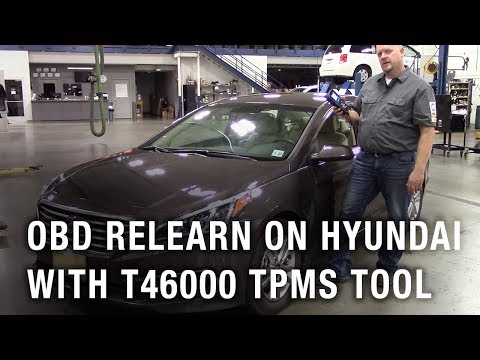
Hyundai Sonata
(2015-2019 /
LF)
To reset the tyre pressure warning light on the Hyundai Sonata, first inflate the car's tyres to the recommended pressure value: this value is indica…
Hyundai Sonata
(2010-2015 /
YF, MK 6)
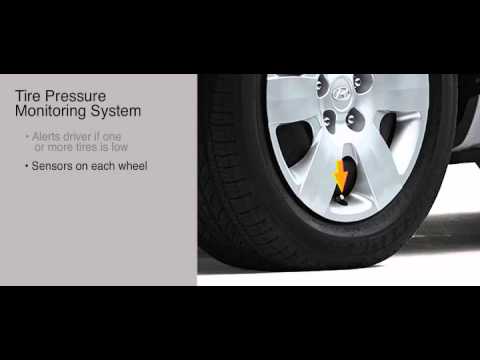
Today, discover the procedure necessary to reset the tyre pressure warning light on the Hyundai Sonata. To reset the tyre pressure light that appears…

Hyundai Sonata
(2020-2026 /
DN8)
To reset the tire pressure warning light of the Hyundai Sonata, you need to inflate the tires until they reach the recommended pressure value: these …
Other guides you may be interested in |
How to Reset the Tyre Pressure Warning Light on a Kia Ceed
This brief and simple guide will show you how to reset the tyre pressure warning light (TPMS) on a Kia Ceed. Before performing the reset, ensure all four tyres are at the correct operating pressure. Get inside the vehicle and turn on the ignition. Locate the reset button on the dashboard, next to the steering wheel, as shown in the video. Press and hold the TPMS reset button until the warning light blinks on the dashboard and then goes out completely! by ScegliAuto More videos
|
|
For advertising on this site Write to info@scegliauto.com
ScegliAuto is not responsible for any inaccuracy of the data in the lists. To report any inaccuracy or your business (if you own the business in question), please write to info@scegliauto.com
Number of seconds to generate the page: 0.009
(c) ScegliAuto 2026 - info@scegliauto.com - Privacy policy VAT number: IT01247470535 |
