
|
Do it yourself
| |||
| ||||


How to replace the battery in the key fob of a Hyundai Kona
Model: Hyundai Kona
MK 2
- Years 2023-2026
Replacing the battery in the key fob of a Hyundai Kona is simple. Press the release button to extract the internal mechanical key. Open the fob shell with a coin or the key itself, gently prying it open. Inside, you will find the button cell battery, generally a CR2032 3 Volt. Remove the old one and insert the new one with the positive (+) side facing up, ensuring the contacts are aligned. Close the shell until you hear a click and reinsert the mechanical key. Check the operation by pressing the buttons. If the fob does not respond, double-check the alignment of the battery and contacts.
Posted on 24 September 2026 by ScegliAuto
Video tutorial
Related tutorials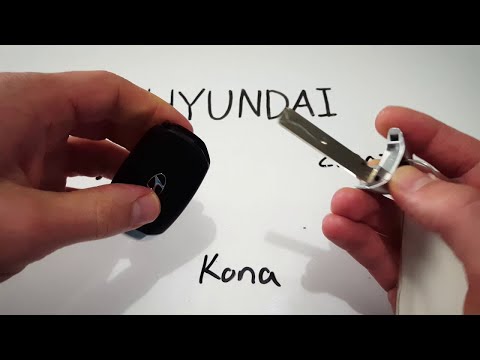
Hyundai Kona
(2017-2023 /
MK 1)
In this short and simple video tutorial, learn how to replace the battery in a Hyundai Kona key fob. First, extract the physical key from the remote …

Hyundai Kona
(2017-2023 /
MK 1)
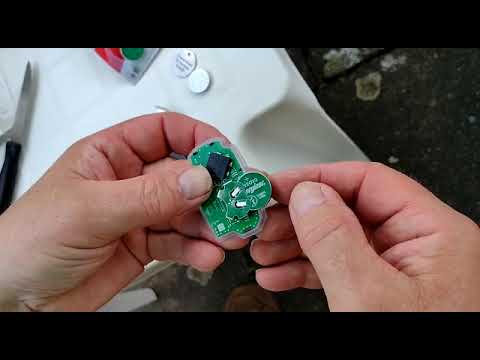
Today we will see how to replace the battery of the Hyundai Kona key remote, using a CR 2032 battery. Press the button on the back of the remote to r…
Hyundai Kona
(2017-2023 /
MK 1)
In this short tutorial, you can see the simple steps to replace the battery in a Hyundai Kona remote. First, press the unlock button and remove the p…
Other guides you may be interested in
|
Resetting the Tyre Pressure Warning Light on the Hyundai I20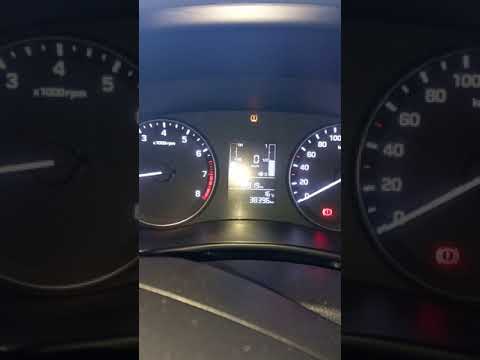
Today, let's look at the instructions to reset the tyre pressure warning light on the Hyundai I20 in simple and quick steps. The vehicle is equipped with an automatic TPMS that constantly monitors tyre pressures; when an anomaly occurs, the system triggers an alarm, displaying the relevant warning light on the dashboard. So, restore the tyre pressures, which will automatically reset the TPMS light on the dashboard; finally, turn off the ignition and start the engine! by ScegliAuto More videos
|

|
For advertising on this site Write to info@scegliauto.com
ScegliAuto is not responsible for any inaccuracy of the data in the lists. To report any inaccuracy or your business (if you own the business in question), please write to info@scegliauto.com
Number of seconds to generate the page: 0.151
(c) ScegliAuto 2026 - info@scegliauto.com - Privacy policy VAT number: IT01247470535 |
