
|
Do it yourself
| |||
| ||||



How to Reset the Service Light on a 2021 Hyundai Palisade
Model: Hyundai Palisade
LX2, MK 1
- Years:
2019, 2020, 2021, 2022, 2023, 2024, 2025, 2026
Video tutorial
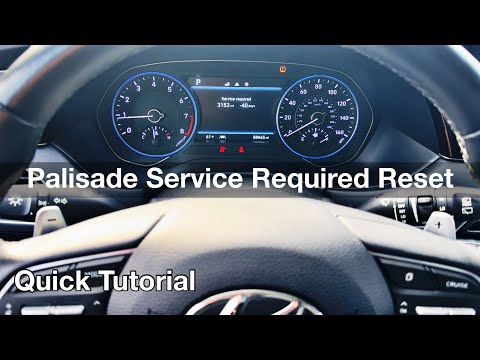
To manually reset the service light on the dashboard display of your 2021 Hyundai Palisade, follow this procedure, which takes only a few seconds to complete, even if you don't have much experience with these types of operations. First, insert the key and turn on the ignition if it is still off, then press the menu button and enter the settings screen. At this point, select the "Service Interval" option and then click on "Reset." Finally, confirm the reset of the light.
Updated on 2 October 2026 by ScegliAuto
Related tutorials
Hyundai Palisade
(2019-2026 /
LX2, MK 1)
If you own a 2022 Hyundai Palisade and want to understand how to correctly perform a manual reset of the service light, all you need to do is read th…
Hyundai Palisade
(2019-2026 /
LX2, MK 1)
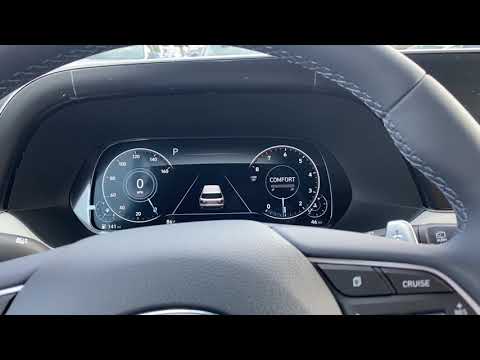
With this mini guide, you will be able to correctly complete the manual reset of the service light on your 2020 Hyundai Palisade. First, reach the dr…
Hyundai Palisade
(2019-2026 /
LX2, MK 1)
In this new mini guide for your 2022 Hyundai Palisade, discover the steps needed to manually reset the service light without using a diagnostic tool.…
Other guides you may be interested in
|
How to Change the Time on the Peugeot 208
Today's guide will show you how to set the clock on the Peugeot 208's onboard computer, following the instructions below. First, get in the car and turn on the instrument panel; then press and hold the settings button on the panel for a few seconds until the time starts to flash, as shown in the video. At this point, press the left button to correctly set the time, adjusting the hour first and then the minutes; exit the onboard computer menu to save all the changes made! by ScegliAuto More videos
|
|
For advertising on this site Write to info@scegliauto.com
ScegliAuto is not responsible for any inaccuracy of the data in the lists. To report any inaccuracy or your business (if you own the business in question), please write to info@scegliauto.com
Number of seconds to generate the page: 0.175
(c) ScegliAuto 2026 - info@scegliauto.com - Privacy policy VAT number: IT01247470535 |
