
|
Do it yourself
| |||
| ||||


Set the date and time on the Iveco Daily
Model: IVECO Daily
This is how the date and time are set on the Iveco Daily. First, press the mode button on the keypad to the left of the steering wheel and then use the arrows to scroll to "set date" ("regula data" in the video, in Portuguese). Press mode to enter the submenu and proceed to set the date and time by pressing the arrows and the mode key as shown in the video. Switch the instrument cluster off and on again to check the effective change. To change the time select the item "acertar ora" (or "modify time", in Italian) and set the correct time using the arrows and the mode key to confirm.
Posted on 6 November 2022 by ScegliAuto
Video tutorial
Related tutorials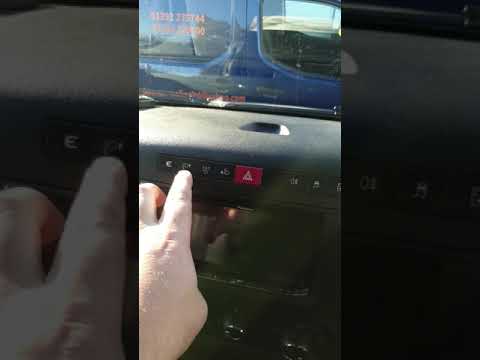
IVECO Daily
(2014-2024 /
MK 5)
Today, in this video tutorial, we will see the guide that will allow us to change the date and time of the Iveco Daily. First, we get on board the ve…

IVECO Daily
(2014-2024 /
MK 5)
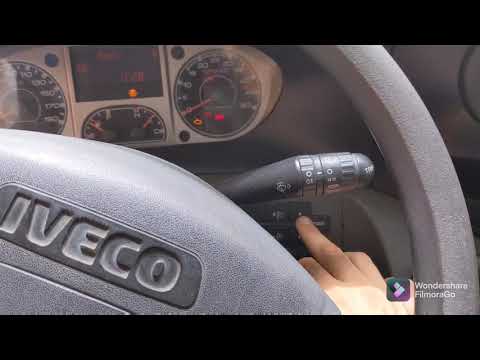
Adjusting the display on a 2019 Iveco Daily vehicle is a very simple operation to perform independently. The first thing to do is to turn on the vehi…
IVECO Daily
(2006-2020 /
MK 4)
Setting the time and date in the Iveco Daily van is an extremely simple and fast operation. Let's see how to proceed in this tutorial. First of all w…
Other guides you may be interested in
|
How to Replace the Front Headlamp Bulbs on a Dacia Sandero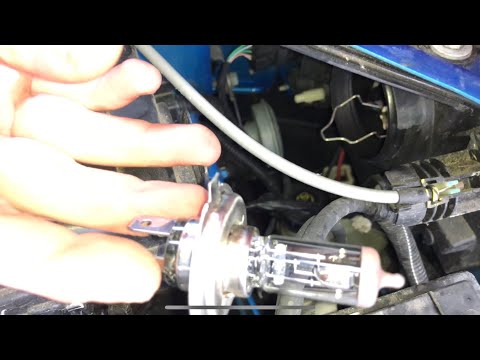
Open the bonnet by pulling the lever located at the bottom left of the dashboard, and secure it with the prop rod. Locate the inspection cap of the headlamp (at the rear of the headlamp) and remove it. After removing the caps, you will find the bulbs with metal clips; pull out the bulb holder from the headlamp and extract the damaged bulbs using a screwdriver. Fit the new bulbs (ensuring they are the correct type and size) and insert the bulb holder back into the headlamp housing. Reassemble all previously removed parts. by ScegliAuto More videos
|
|
For advertising on this site Write to info@scegliauto.com
ScegliAuto is not responsible for any inaccuracy of the data in the lists. To report any inaccuracy or your business (if you own the business in question), please write to info@scegliauto.com
Number of seconds to generate the page: 0.116
(c) ScegliAuto 2026 - info@scegliauto.com - Privacy policy VAT number: IT01247470535 |
