
|
Do it yourself
| |||
| ||||


How to set the time of the Iveco Beavertail
Model: IVECO Iveco Various
If your Iveco Beavertail displays a time that is different from the correct one and you want to know how to change it manually, all you have to do is read the following guide carefully and put the various steps described into practice. First insert the key and turn on the instrument cluster. Immediately after, move to the central control panel and press the button with the down arrow several times until you see the item "Call main menu?". At this point, press "OK" twice in succession. Scroll down again and select "Vehicle". Enter "local time" and proceed with changing the time. Finally, go back to save changes and exit the menu.
Posted on 24 March 2023 by ScegliAuto
Video tutorial
Related tutorials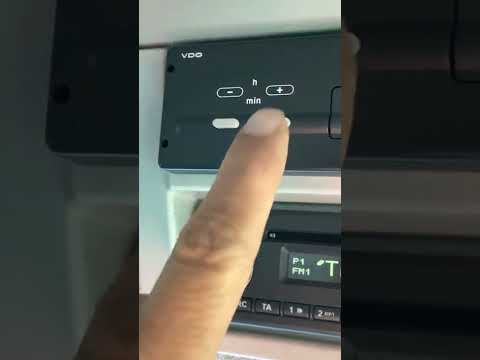
IVECO Iveco Various
In today's video we see how to regulate the timetable in the Iveco. This guide is valid, in fact, for several tractors of the Italian brand. Usually …
IVECO Iveco Various
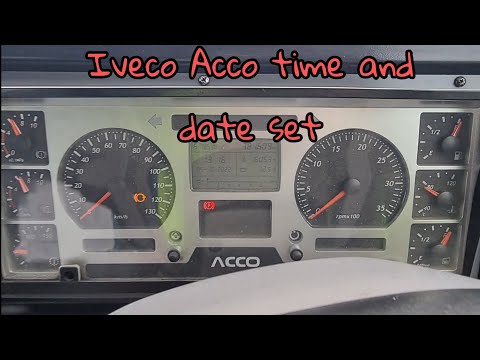
To manually change the displayed time on your Iveco Adecco dashboard, simply follow this simple procedure. First, enter the vehicle and turn on the i…

IVECO Iveco Various
Very important, when we talk about heavy vehicles like Iveco in this case, is setting the time on the tachograph, given the role it plays during the …
Other guides you may be interested in
|
How to Change the Brake Pads on a Volkswagen New Beetle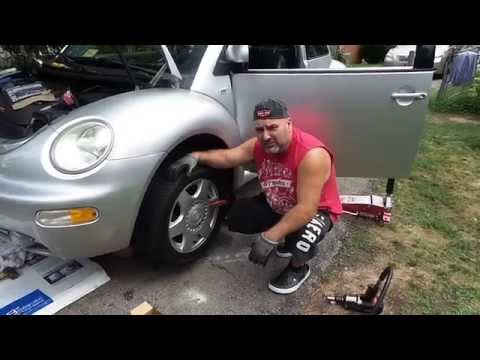
Learn how to change the front brake pads on a Volkswagen New Beetle. First, lift the car on a column lift to the desired height, then remove the wheel (using a telescopic spanner or air impact wrench) along with the respective bolts. Unscrew the locking bolt of the brake caliper, remove it from the wheel hub support, and detach the pads from the brake caliper using a screwdriver. Install the new pads on the brake caliper and refit the brake caliper to the support; tighten all bolts and remount the wheel. Proceed to perform the same operations on the other calipers present on the vehicle. by ScegliAuto More videos
|
|
For advertising on this site Write to info@scegliauto.com
ScegliAuto is not responsible for any inaccuracy of the data in the lists. To report any inaccuracy or your business (if you own the business in question), please write to info@scegliauto.com
Number of seconds to generate the page: 0.103
(c) ScegliAuto 2026 - info@scegliauto.com - Privacy policy VAT number: IT01247470535 |
