
|
Do it yourself
| |||
| ||||


How to Set the Time on an Iveco Daily Vehicle
Model: IVECO Daily
MK 4
- Years 2006-2020
The video explains and shows how to set the time on an Iveco Daily vehicle. The operation is quite simple and quick. First, get in the vehicle and turn the ignition key to the first position without starting the engine. Then, use the buttons located on the right behind the steering wheel control lever, starting by pressing the mode button. Use the directional buttons to navigate through the settings menu until you select 'set clock' or 'hour' and then press mode; the minutes will start blinking first, followed by the hours, which you can modify using the directional buttons, confirming each change with the mode button.
Updated on 19 July 2026 by ScegliAuto
Video tutorial
Related tutorials
IVECO Daily
(2014-2026 /
MK 5)
Today, we will see in this video tutorial how to change the date and time on the Iveco Daily. First, get into the vehicle and turn on the instrument …
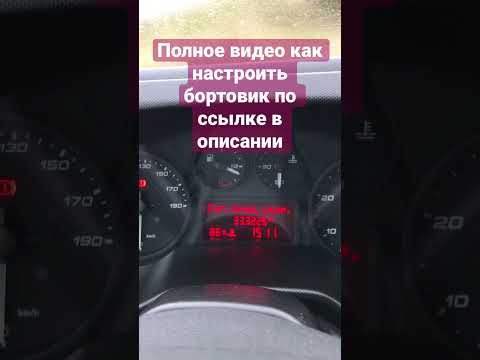
IVECO Daily
Below are the main steps to adjust the time on the Iveco Daily. First, get inside the vehicle and turn on the ignition by turning the key to position…

IVECO Daily
(2006-2020 /
MK 4)
The following steps will show us how to change the time on the display of the instrument panel of the Iveco Daily. First of all, we get on board the …
Other guides you may be interested in
|
How to Adjust the Headlights on a Dacia Sandero
To adjust the headlights on a Dacia Sandero, turn on the instrument panel by rotating the appropriate key in the ignition switch. Once the panel is on, use the knob located to the left of the steering column, at the bottom of the dashboard. Turning this knob counterclockwise will lower the beam of the headlights; conversely, turning it clockwise will raise the beam. Once the correct angle is found, you can turn off the instrument panel. by ScegliAuto More videos
|
|
For advertising on this site Write to info@scegliauto.com
ScegliAuto is not responsible for any inaccuracy of the data in the lists. To report any inaccuracy or your business (if you own the business in question), please write to info@scegliauto.com
Number of seconds to generate the page: 0.281
(c) ScegliAuto 2026 - info@scegliauto.com - Privacy policy VAT number: IT01247470535 |
